A smart cane for blind travellers suits someone who already uses a long cane confidently and wants warning of head-height obstacles. A clip-on attachment keeps your current cane, while a handheld sensor is a separate device.
Imagine you know your long cane well but keep worrying about overhanging branches or street signs. The choice comes down to how each device warns you and how much you want to change your cane routine. This guide sits within our wider look at assistive technology devices. Camera-based alternatives are covered in smart glasses for visually impaired.
The three styles at a glance
Electronic travel aids for cane users fall into three practical groups. A smart cane handle replaces the grip of your cane. A clip-on attachment fits to the shaft. A handheld sensor stays separate from the cane altogether.
| Style | How it fits | How it warns you | Planning use |
|---|---|---|---|
| Smart cane handle (WeWALK) | Acts as a new handle when attached to any long cane | Haptic vibration when obstacles above chest level are detected | Suits users who want obstacle warnings and phone navigation in one handle |
| Clip-on attachment (SmartCane) | Clicks onto the shaft below the handle of your existing white cane | Alert style and range are set by the maker, so compare them on the product page | Suits users who want to keep the cane they already have |
| Handheld sensor | Held in the hand, separate from the cane | Varies by model, so compare stated range and alert type | Worth considering if you prefer not to alter your cane |
Fit and warning details for the first two rows come from a WeWALK retail listing and the SmartCane control unit page.
WeWALK smart cane: obstacle warnings and feedback
WeWALK is the clearest example of how an ultrasonic cane attachment or handle detects obstacles. According to the maker’s own introduction, its ultrasonic sensor detects obstacles at chest and head height. A distributor’s specification gives examples of what that covers: lampposts, tree branches, truck mirrors and street signs.
Because the sensor looks above chest height, it fills a gap that a cane swept along the ground cannot reach. Low obstacles and drop-offs still depend on your cane technique, so treat the sensor as an addition and not a replacement for your usual skills.

Detection range
The same distributor listing says the detection range can be set between 30 and 70 inches in the app preferences. That is a setting you choose, not a fixed distance, and the upper figure is a limit rather than a target. Try different settings on a familiar route before settling on one, ideally with a mobility specialist beside you.
Vibration or sound
WeWALK alerts you through vibration or sound, depending on your preference, as the manufacturer explains. Vibration is a form of haptic feedback. It is delivered through the handle and felt in your grip, so it leaves your hearing free for traffic and conversation. Sound alerts may suit someone who finds handle vibration harder to notice. Choose after trying both.
Phone, navigation and battery
Yes, a smart cane can connect to a phone for navigation. WeWALK does so, and the details below decide whether it will work for you.
- Phone compatibility: the cane connects to smartphones via Bluetooth, and a retail listing states Android 4.4 and iOS 10 and above. Check your handset against this before buying.
- App cost: a free iOS or Android app is available for download, according to the distributor.
- Spoken directions: the navigation voice comes directly from the cane’s speaker, so no headphones are needed.
- Guidance style: turn-by-turn directions can be given as left, right or straight, or as clock directions. Choose the form you can act on fastest while walking.
- Battery and charging: the average battery life is 20 hours and the cane charges by USB, per the same distributor listing. Plan to charge it as you would a phone.
Clip-on attachments such as SmartCane
A clip-on unit suits you if your own cane already feels right and you do not want to swap its handle. The maker of the SmartCane control unit says it uses your existing white cane and simply clicks into position on the shaft. No new cane is needed.
That is the main appeal. You keep the length, weight and tip you are used to, and you add a warning layer to it. The trade-off is that you depend on the attachment’s own alert style and range, so compare those against a handle-style cane before you buy. If you search for an ultrasonic cane attachment, check the product page for the sensor type, the form the alert takes and the stated detection range.
Handheld sensors
A handheld electronic travel aid is held in the hand instead of being fitted to the cane. It leaves your cane untouched, which suits someone who does not want to attach, swap or modify anything on the cane they trust.
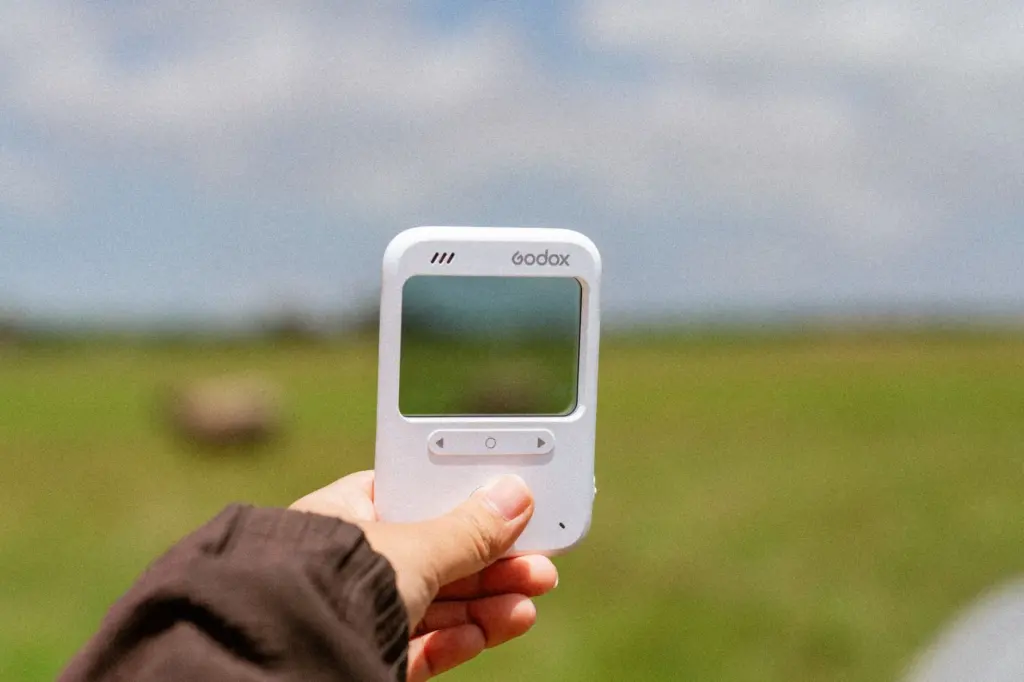
It is also one more item to carry and hold. Think about which hand it occupies alongside your cane, and any guide dog harness if you use one. Detection range, alert type and battery vary between models, so compare the maker’s stated values rather than assuming they match a cane-mounted device. If you are weighing a wearable option instead, the smart glasses for visually impaired guide sets out what camera-based devices offer.
Mobility training and the white cane
Orientation and mobility training teaches the cane technique and route skills that electronic aids build on. A device gives you extra information, but it does not teach you how to use a cane. The distributor of WeWALK states that it is best used by people already familiar with white cane mobility skills.

If you are new to cane travel, arrange training first. Your local sight loss organisation or eye clinic can point you towards an orientation and mobility specialist. Ask them to work through any device with you on a familiar route, covering how to respond to an alert as well as how to switch it on.
Some manufacturers help with the learning curve. A retail listing says WeWALK comes with unlimited and free online training. Treat that as a supplement to in-person instruction, not a substitute for it.
Guide dogs and electronic aids
A guide dog and a cane-based device are different kinds of mobility support. A DW news report on AI canes states that there aren’t enough guide dogs worldwide, which is part of the context for the interest in electronic aids.
If a guide dog is not available to you, a cane-based device is one way to add obstacle warnings while you keep your cane skills. If you already work with a dog, speak to your guide dog provider or mobility specialist before adding any device to your routine.

Decision checklist
- Decide how much to change. Choose a handle-style smart cane if you are happy to alter your cane, or a clip-on unit if you want to keep your own.
- Confirm your cane skills. Arrange orientation and mobility training before relying on any electronic alert.
- Compare alerts. Check whether the device uses vibration, sound or both, and whether you can choose.
- Check phone compatibility. If you want navigation, make sure your phone meets the app’s Android or iOS requirement.
- Plan charging. Look at the stated battery life and how the device charges, then fit that to your routine.
- Try before committing. Test the detection range settings on a familiar route with a specialist.
If memory difficulties affect how you find your way as well as sight loss, assistive technology for memory loss covers a different set of tools.
Frequently asked questions
Does a smart cane replace a normal white cane?
No. The handle-style and clip-on designs are used with a long cane rather than instead of one. The long cane remains your core tool and the electronic part adds warnings on top of it.
How accurate is the GPS on a smart cane?
A user quoted in WeWALK’s introduction says GPS is not accurate down to the metre, so they treat it as a navigation aid rather than exact positioning.
How far does the WeWALK explore search reach?
By default the search radius is 200 metres, and you can adjust it in the app, according to the manufacturer.