Assistive technology for memory loss works best when each tool is matched to one daily problem: missed medication, losing track of the day, getting lost outside, or struggling to plan. Choose the problem first, then agree the device with the person who will use it.
Picture a family where a parent keeps asking what day it is, sometimes skips tablets, and has twice walked out of the house unnoticed. Buying a gadget for each worry rarely helps. A short, sequenced plan does.
- Losing the day: a large digital calendar clock.
- Missing doses: an automatic pill dispenser or a vibrating reminder watch.
- Getting lost: a wearable location device or a wandering sensor, only with the person’s agreement where possible.
- Planning and organising: reminder and checklist apps.
The wider range of aids for other needs is covered in our guide to assistive technology devices, and the main purpose is consistent across all of them. The Brain Injury Association of America says the main purpose of assistive technology is to maintain or improve an individual’s functioning and independence. That is a useful test for every purchase below: does it protect independence, or does it simply add monitoring?
Digital calendar clocks for losing track of the day
A digital calendar clock suits someone with dementia who repeatedly asks the date or confuses morning with evening. It replaces a question to a carer with a glance, which can reduce friction for both people. It is the lowest-risk first purchase because it asks nothing of the person and does not monitor them.
The features that matter are legibility and low upkeep. A UK medical supplies listing describes a dementia clock with a large digital display with non-abbreviated words, so the day appears in full rather than as a short code. The same listing says it automatically updates to winter and summer time, requiring no maintenance.
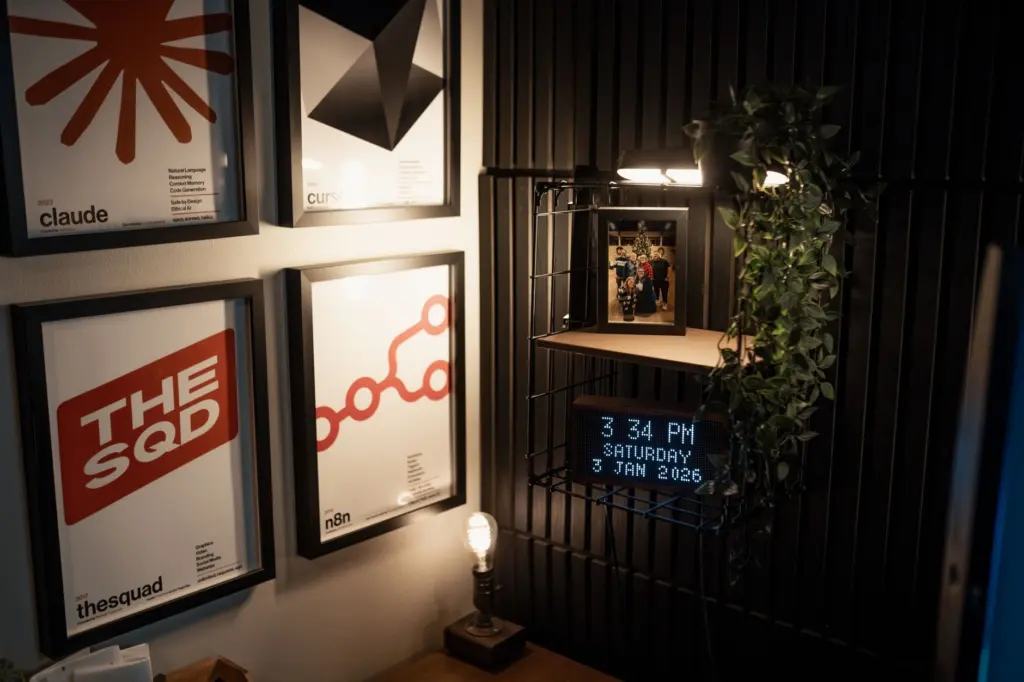
Limits are worth stating plainly. A clock orients; it does not remind. It will not prompt someone to take tablets or lock the door, so it works alongside the tools below rather than replacing them. Place it where the person already looks, such as a shelf in the main living area, and keep it in the same spot so it becomes part of the routine.
Automatic pill dispensers and reminder watches
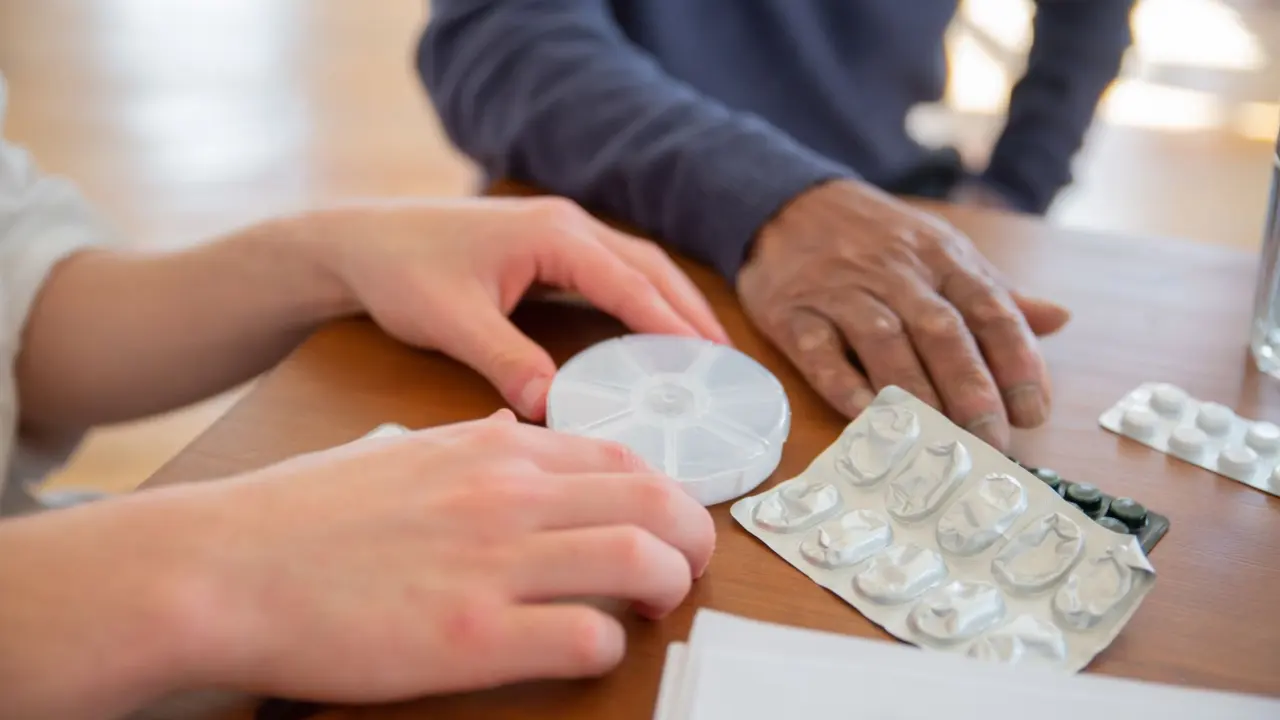
An automatic pill dispenser suits people who still manage their own medication but forget whether they have taken a dose. It also suits carers who fill the device in advance and want the prompt to come from the machine rather than from repeated reminders. It is less suitable where the person finds alarms confusing or where a dose needs a judgement call.
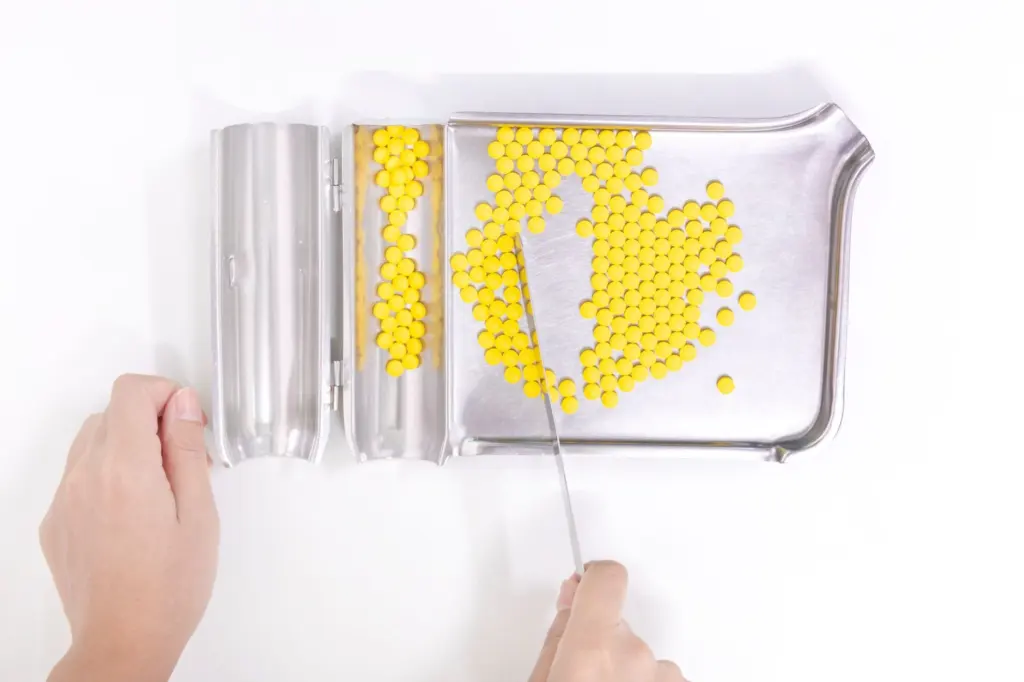
One UK listing describes a model that can dispense pills up to six times a day for a week at a time, and emits a visual and audio alarm to remind the user when a dose needs taking. The dual alarm matters: some people respond better to a flashing light than to a sound, and a combined prompt gives more than one route to notice it. The listed price for that Tabtime Medelert model is £74.99 including VAT (£62.49 excluding VAT), although the page showed it as currently unavailable, so check stock before planning around it.
A cheaper wearable prompt
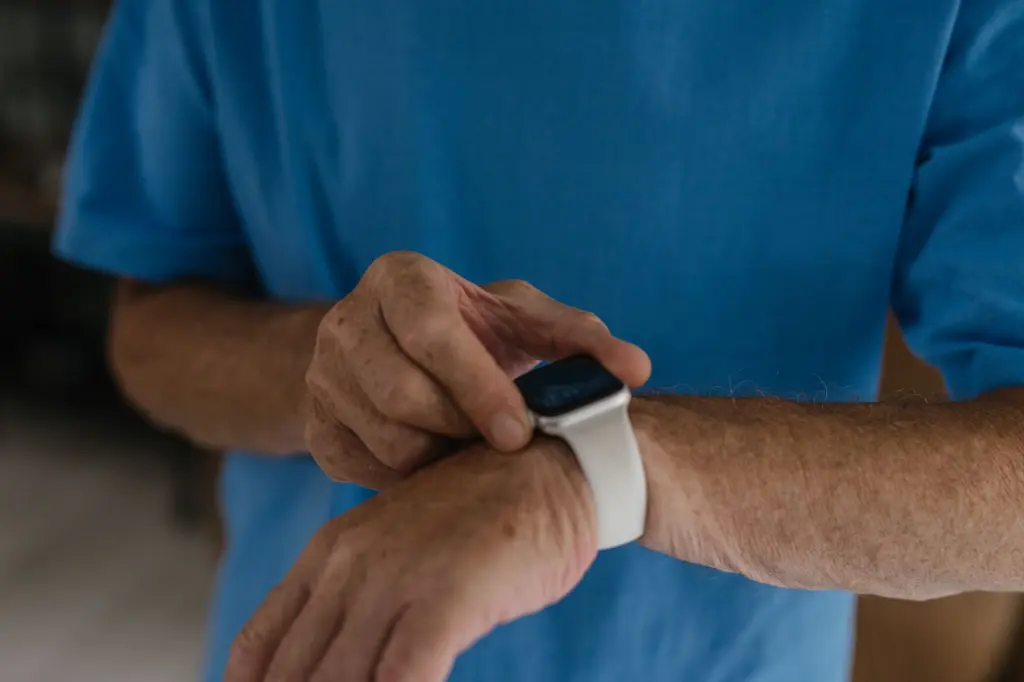
Where a full dispenser is more than is needed, the same listing includes a vibrating watch with up to 12 flashing and vibrating alarms, priced at £23.88 including VAT (£19.90 excluding VAT). It suits someone who takes medication at a few set times and is comfortable wearing a watch. It does not hold or sort tablets, so it prompts the person but leaves storage to a separate organiser. Treat it as a reminder layer rather than a medication system.
GPS trackers and wandering sensors for getting lost
Location devices address the most worrying problem for many families: a person with dementia leaving home and not finding the way back. They are the category where the technology is the easy part and the agreement is the hard part. A wearable GPS tracker, often worn as a watch or carried in a pocket, can only help if the person actually keeps it on them.
What the listed price evidence covers
The UK listing consulted for this guide does not show a GPS tracker price. It does show a patient wandering motion sensor and wireless receiver at £149.99 including VAT (£124.99 excluding VAT). That is a different kind of product. A motion sensor alerts a carer inside or near the home when someone moves; it does not locate a person who has already left. When comparing GPS trackers for dementia, check the upfront price and any ongoing charges separately, and confirm what the device actually does before buying.
Consent and dignity
Tracking raises questions that product roundups often skip. A device that follows someone’s movements affects their privacy and sense of freedom, so the reasons for it should be explained in plain terms and, wherever the person can take part, agreed with them. Useful questions to settle before purchase include:
- Who has agreed? Record whether the person has been asked, what they said, and who else in the family or care team was involved.
- Who sees the location? Decide in advance which people can view it and when it is checked, so it is not watched constantly.
- What happens on refusal? If the person removes the device or objects, treat that as information about the plan, not something to override quietly.
- Is there a less intrusive option? A sensor at the door, or a regular companion for walks, may meet the same worry with less intrusion.
Where capacity to decide is in doubt, speak to the person’s GP or the adult social care team at the local council before fitting a tracker. For people whose memory problems come with sight loss, mobility aids are a separate category; a smart cane for blind travellers is one example of a tool built for navigation rather than recall.
Reminder apps and planners for executive function
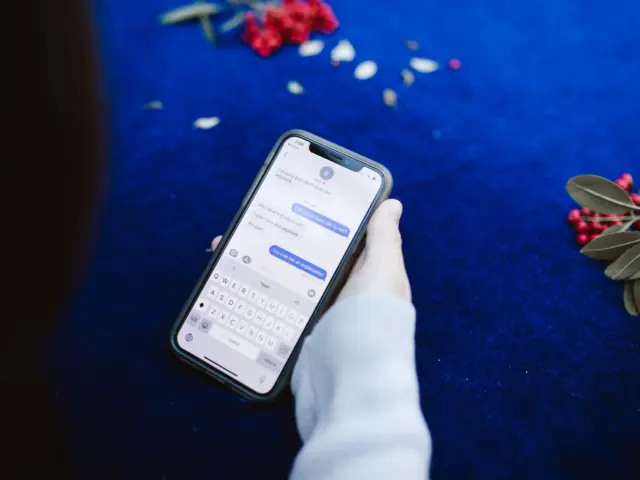
Apps suit people who still use a phone or tablet confidently and whose main difficulty is planning, sequencing or remembering tasks rather than recognising the day. Executive function covers the skills used to organise and carry out tasks, and checklist and reminder apps give those steps an external structure. The Brain Injury Association of America names cellphone apps to help with memory, attention, or other challenges in thinking skills among the assistive technology options for people living with brain injury, and the same kinds of tools carry over to other cognitive conditions.
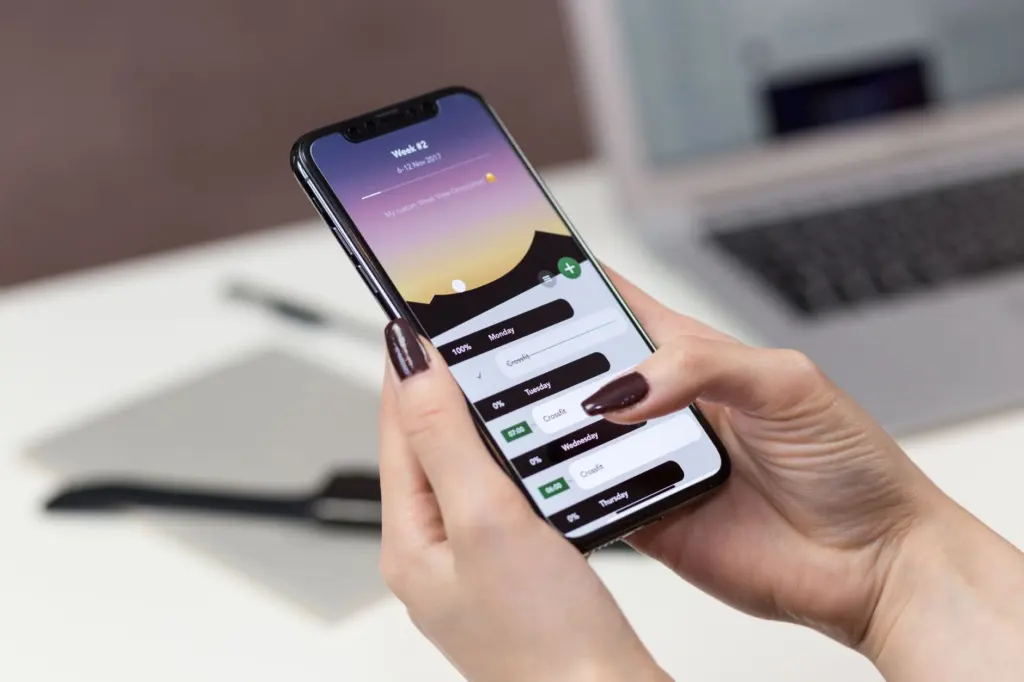
Keep the setup simple. Start with a single recurring reminder for the task that matters most, such as a morning routine, and add more only when the first is being used. Too many notifications can become noise, and a person who feels nagged by a phone may stop looking at it. Apps also depend on someone setting them up, so a carer or family member usually needs to build the routine with the person rather than hand over a blank app. For people who find touchscreens hard, a physical clock or dispenser is a better fit than an app.
Comparing the options at a glance
The table groups the tools by the daily problem they address. Prices are those shown on one UK retailer listing and may change.
| Tool | Daily problem | Listed example | Planning use |
|---|---|---|---|
| Digital calendar clock | Losing track of the day | Large display, non-abbreviated words, automatic seasonal time updates | Best first purchase; needs no action from the person |
| Automatic pill dispenser | Missed doses | Up to six doses a day for a week at a time; £74.99 inc VAT (listed as currently unavailable) | Suits someone managing their own medication, with a carer filling it |
| Vibrating reminder watch | Missed doses at set times | Up to 12 alarms; £23.88 inc VAT | Low-cost prompt; does not store tablets |
| Wandering motion sensor | Leaving the home unnoticed | Sensor with wireless receiver; £149.99 inc VAT | Alerts a carer nearby; does not give a location outside |
| Reminder or planner app | Planning and sequencing tasks | Phone-based memory and attention apps | For confident phone users; needs setup support |
Figures come from a UK medical supplies listing of Alzheimer’s aids, while the app category follows the Brain Injury Association of America’s description of assistive technology.
How to choose without causing distress
A memory aid helps only if the person is willing to live with it. The Brain Injury Association of America states that identifying the specific needs of a person living with brain injury is the first step, and the same sequence applies to memory loss: define the problem, then pick the tool. A calm introduction, rather than a sudden installation, tends to go better. Use this checklist in order.
- Name the one problem. Pick the daily difficulty causing the most risk or stress, not the one that is easiest to fix.
- Ask the person. Explain what the device does in plain words and listen to objections before buying anything.
- Start with the least intrusive tool. A clock or reminder watch asks less of someone than a tracker.
- Introduce it in daily routine. Place or fit it during a settled part of the day, not during an argument or after an incident.
- Agree who responds to alerts. An alarm that nobody answers adds worry without adding safety.
- Review after a short trial. If the device is ignored, removed or upsetting, change the approach rather than insisting.
Where several needs overlap, the guide to types of assistive technology helps place memory aids alongside tools for other kinds of difficulty. A local council’s adult social care team can also advise on what support is available, particularly when the situation is changing quickly.
Frequently asked questions
What is assistive technology meant to achieve for someone with memory problems?
It is intended to maintain or improve a person’s functioning and independence. A tool that makes someone more dependent or more closely watched without a clear benefit is a poor fit.
Are the listed prices inclusive of VAT?
The listing shows both figures. The pill dispenser is £74.99 including VAT or £62.49 excluding it, the vibrating watch is £23.88 including VAT or £19.90 excluding it, and the wandering sensor is £149.99 including VAT or £124.99 excluding it. Individual buyers normally compare the VAT-inclusive figure.
Is a wandering motion sensor the same as a GPS tracker?
No. The listed sensor pairs a motion detector with a wireless receiver, so it alerts someone nearby when movement is detected. A GPS tracker is a wearable or carried device intended to show where a person is once they have left, and it brings separate questions about consent.
Which tool should be tried first?
A large-display calendar clock is the gentlest starting point because it monitors nothing and needs no action from the person. Move on to dispensers or location devices only when a specific problem calls for them.