The best medical alert systems for most seniors are monitored ones: pick an in-home base unit if you mostly stay home, or a cellular GPS pendant if you go out. Fall detection matters if you might be unable to press a button.
This guide separates home-only units from mobile GPS devices and compares what each really costs each month. It is part of our wider look at assistive technology devices, and the figures below are US dollar prices from US providers.
Side-by-side comparison of the main options
A medical alert system is an alarm that signals a monitoring centre or a designated person when an incident happens. The two main choices differ in how they connect and where they work, and that drives both the price and the coverage.
| Option | Connection | Where it works | Listed starting price | Planning use |
|---|---|---|---|---|
| In-home base unit with help button (for example Medical Guardian MG Home) | Landline for the cheapest set-ups, or a cellular base | In and around the home | From $34.95 | Suits someone who rarely goes out alone and wants the simplest, lowest-cost cover. |
| Mobile GPS pendant or watch (for example Guardian Flex) | Cellular connection with GPS | At home and away, where cellular coverage reaches | From $39.95 | Suits an active person who walks, shops or travels independently. |
| Any monitored system | Varies by device | Varies by device | Monthly monitoring fee of about $19 to $90 | Use the range to test whether a quote is unusually cheap or expensive. |
Connection details come from SafeHome’s medical alert guide, and the starting prices are from Medical Guardian’s pricing page.
In-home base units
An in-home system pairs a base unit with a help button, usually worn as a pendant, and signals a monitoring centre when the button is pressed. It is the sensible default for someone whose risk sits mainly inside the house.
- Lowest running cost: SafeHome notes that the least expensive at-home systems need a landline, while cellular bases are also available. If you no longer have a landline, a cellular base avoids the need to keep one just for the alarm.
- Entry pricing: Medical Guardian lists its MG Home from $34.95, as shown on its pricing page. SafeHome’s comparison lists MobileHelp Classic at $19.95 a month and MGClassic at $29.95 a month.
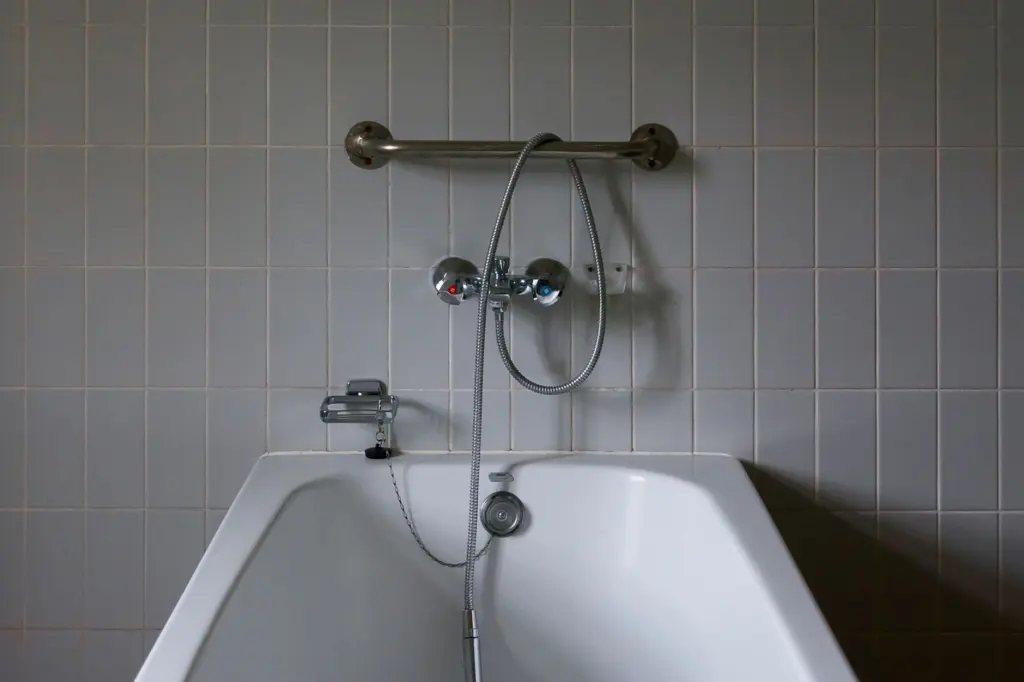
- Wearable shape: CareLink describes help buttons worn around the neck, on the wrist or as a belt clip. Pick the one the person will actually keep on in the bath, in bed and when moving around the house.
The limit is obvious: a base-unit system protects the home, so it offers little once the person leaves it. That is where mobile devices come in.
Mobile GPS pendants and watches
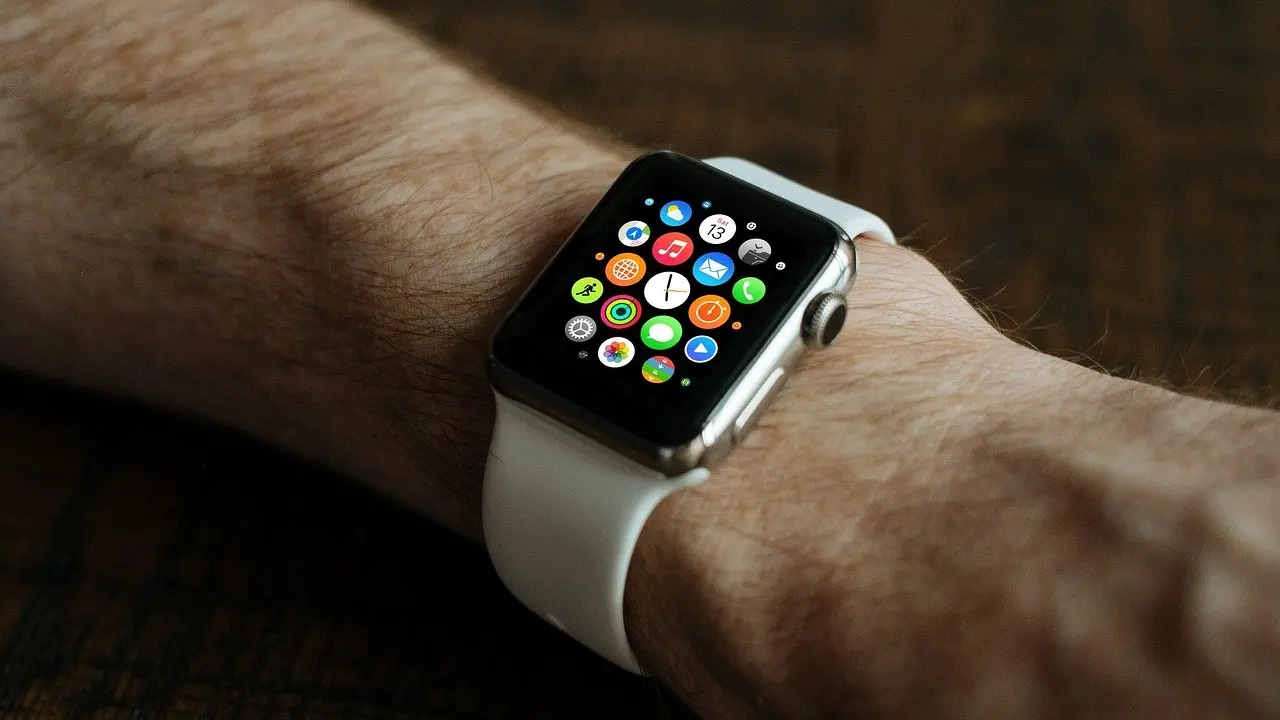
A GPS pendant or GPS medical alert watch carries its own cellular connection, so it does not depend on a base unit. SafeHome states that on-the-go systems use a cellular connection, and that is the feature that makes them usable away from home.

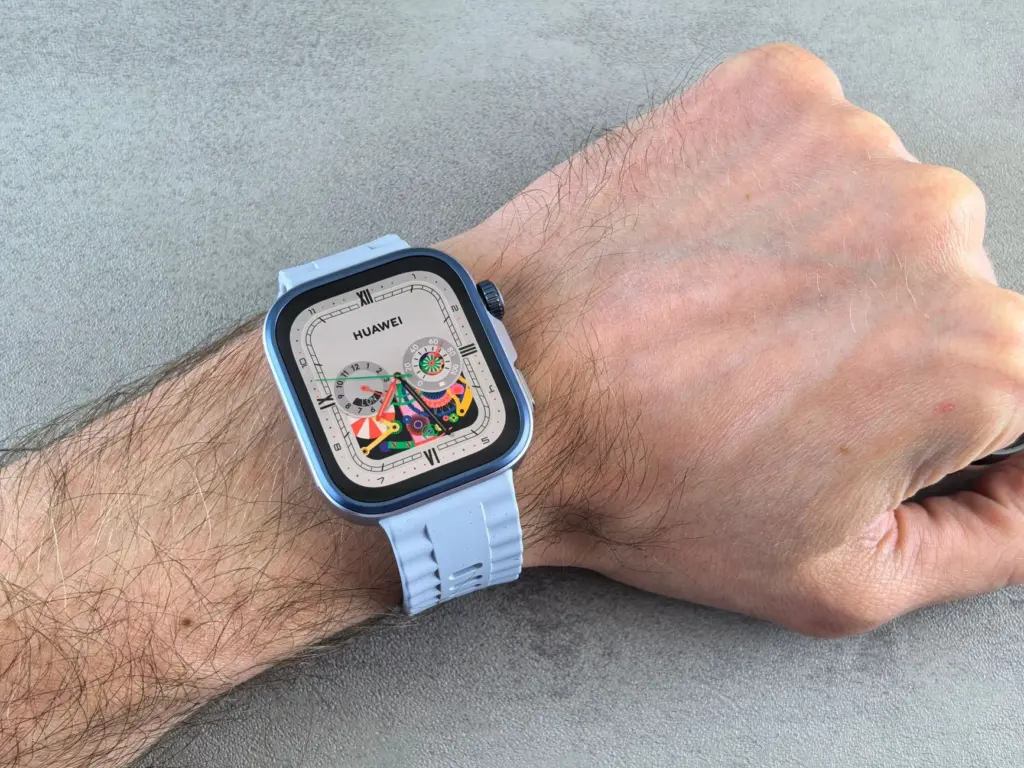
- Pendant or watch: A pendant hangs from the neck, while a watch sits on the wrist. Choose the watch for someone who dislikes anything around the neck, and the pendant for someone who would rather not wear a watch.
- Price premium: Medical Guardian lists Guardian Flex from $39.95, compared with MG Home from $34.95 on the same pricing page. For many households the extra cost of mobility is modest compared with the extra cover.
- Charging habit: A device that works away from home only helps if it is worn and in use, so consider whether the person will keep it on them each day.
Using an alert system outside the home
Medical alert systems work outside the home only if the device is a mobile one with GPS and a cellular connection. A base-unit system is built for the home, so leaving the house with only a base unit leaves you uncovered.
With a mobile unit, a single press calls for help. Life Alert says its on-the-go GPS unit connects you directly to a dispatcher with a single press from anywhere in the USA. The same Life Alert page adds a condition: the device uses AT&T cellular coverage and service may not be available in all areas. Treat “anywhere” as a company claim, and check coverage where the person actually walks, drives or travels.
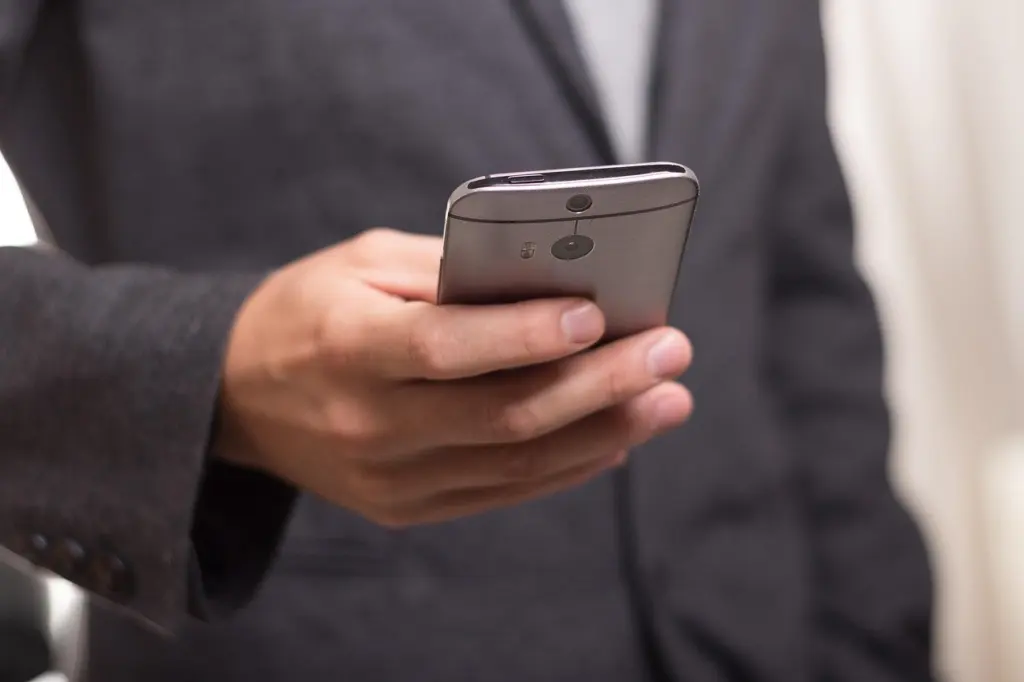
If the person already carries a phone and is comfortable using it, compare a dedicated device against a handset set up for emergencies. Our guide to the best smartphone for seniors covers that alternative. A phone cannot help if the person is unable to reach it or use it, which is the situation a worn button is designed for.
How fall detection works
Fall detection is designed to alert the monitoring centre automatically, even if the user is unable to communicate. SafeHome describes this as ensuring the monitoring station is immediately alerted when the person cannot press a button or speak.
The same source explains what happens next when the person is away from home: the monitoring associate uses the device’s GPS to determine location. That is why fall detection is most useful on a mobile GPS device, where knowing the location matters. Falls are common enough to justify the question: Medical Guardian cites that 1 in 4 people age 65 or older falls each year.
- Choose it if: the person lives alone, has fallen before, or may be too dazed to press a button.
- Weigh it up if: the person is steady and always has someone nearby; a simple help button may be enough.
What monitoring costs each month
Monitored systems need a recurring monthly fee because they depend on 24/7 monitoring staff, according to SafeHome. That source puts the fee at about $19 to $90 a month, and CareLink cites average monthly prices of around $30.
The monthly figure is not always the whole bill, so check these before you commit:
- Activation and equipment fees: SafeHome says monthly costs are sometimes the only fees, but some systems also charge an activation fee, an equipment fee or both.
- Contract length: The review aggregator BestCompany lists Life Alert as requiring a 3-year contract. Medical Guardian states on its pricing page that it has no long-term contracts and does not charge activation or cancellation fees. Those are company claims, so confirm them in writing before signing.
- True monthly cost: Add the monitoring fee to any equipment charge. A cheap mobile unit with a high fee can cost more than a pricier device with a low one.
Choosing between the options
Start with where the person spends time, then decide how much automatic detection they need.
- Mostly at home: an in-home base unit keeps the monthly bill lowest, especially if a landline is already in place.
- Active outside the house: a GPS pendant or watch is the only option here that can work away from home, provided cellular coverage reaches where they go.
- Lives alone or at higher fall risk: prioritise fall detection and a monitoring centre that dispatches help.
- Comparing providers: weigh the monthly fee, any activation or equipment charge and the contract term together, not the headline price alone.
Frequently asked questions
Is a personal alarm the same as a monitored medical alert system?
Not quite. A medical alert system signals a monitoring centre or a designated person, and monitored versions rely on staff who are available around the clock, which is why they carry a monthly fee.
Does Medicare pay for a medical alert device?
Usually not. CareLink says Medicare and many insurance companies do not contribute to the cost of the devices, so ask your own insurer about any exception.
How quickly does a monitoring centre answer?
BestCompany says monitoring centres answer a call for help within 20 to 40 seconds. Treat that as a typical response, not a guarantee for any one provider.
Can I pay for a year in advance?
Some providers allow it. Medical Guardian says you can pay monthly, quarterly or annually and save, as described on its pricing page.