| Reader situation | Phone to consider | What to check | Planning use |
|---|---|---|---|
| Wants the simplest layout | Samsung Galaxy A15 or A25 with Simple Mode | Clean interface, long battery life | Start here when clutter is the main barrier to using a smartphone. |
| Wants a simple mode on another Android phone | Android phone with Easy Mode or Senior Mode | Whether the manufacturer offers the mode | Suits a tighter budget and a layout that can be tailored. |
| Poor eyesight, with some budget flexibility | iPhone running iOS 17 or 18 | Enlarging text and simplifying the home screen | Accept a higher cost and less customisation in exchange for easier text enlargement. |
| Reads in bright light or outdoors | Any phone with a screen of 6.5 in or larger | High brightness, listed as 600+ nits | Use as a shop-floor check before buying. |
| Wears hearing aids | A phone that carries a hearing aid compatibility rating | An M4/T4 rating | Confirm on the exact model before paying. |
The mode names above come from a buyer’s guide to mobile phones for seniors.
The best smartphone for seniors depends on the main difficulty: an iPhone suits those who want text enlarged and the home screen simplified, while a Samsung Galaxy A15 or A25 in Simple Mode suits those who want a clean interface.
If you are comparing wider equipment as well as phones, our overview of assistive technology devices shows where a phone fits among other aids.
When simplicity matters most
Simplicity is largely a software question, and Android phones answer it with manufacturer-built modes that strip back the home screen. The two options below differ mainly in how much choice you want over the final layout.
Samsung Galaxy A15 and A25 with Simple Mode
A buyer’s guide lists the Samsung Galaxy A15 and A25 with Simple Mode enabled for a clean interface and long battery life. That pairing suits someone who wants a phone that stays out of the way and does not need frequent charging.
The word “enabled” matters. Simple Mode is a setting you switch on, so the phone only becomes easy once someone has set it up. Screen size and price vary by model and change as ranges are refreshed, so check the manufacturer’s current specification page for the exact variant before you buy.
Easy Mode and Senior Mode on other Android phones
The same guide notes that many manufacturers now offer an Easy Mode or Senior Mode on Android phones, and Samsung Easy Mode is one example of this approach. The label differs between makers, so confirm that a particular phone includes a simplified mode before choosing it.
This route suits a buyer who wants an affordable phone and some control over how it looks. The guide lists Android’s strengths as being affordable and customisable. The trade-off is that the experience is not identical from one brand to the next, so advice that works on one handset may need adjusting on another.
If a basic phone is tempting
A basic handset can look like the safest choice, but it carries a real limit. AARP’s smartphone guide for older adults points out that many flip or bar phones cannot access email or make video calls.
That limit decides the question for most households. If the user only needs to make and take calls, a basic phone may be enough. If family will want to video call or send messages with photos, a smartphone in a simplified mode keeps those options open without the full clutter of a standard home screen.
When eyesight is the main concern
Both platforms can be made easier on poor eyesight, because the buyer’s guide advises enabling large text and high-contrast mode in settings on either. The deciding factors are cost, how much tailoring you want and who will do the setup.
The iPhone suits people who want text enlargement and a simplified home screen with less effort. Android suits people who want to spend less and shape the phone to the user. Neither is automatically easier for every pair of eyes, so the person who will use it should hold both before the choice is final.
iPhone
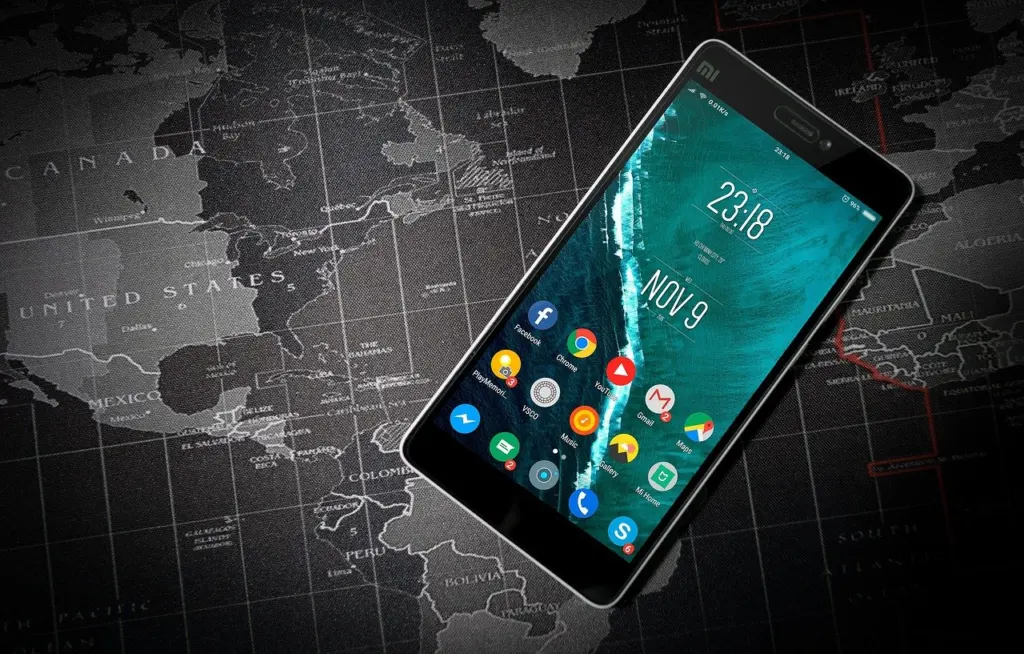
The guide says that with iOS 17 and iOS 18 Apple has made it easier to enlarge text and simplify the home screen. These changes target text size and home screen clutter.
Handling also matters. An older review of the 4.7-inch iPhone 6 described a reachability feature that slides the phone desktop down so it is easier to reach with the thumb, which shows that Apple has long considered one-handed use for bigger screens. The drawback, according to the buyer’s guide, is a higher cost and less flexibility in customisation. Look in the Settings app for the accessibility area, as menu names can shift between software versions.
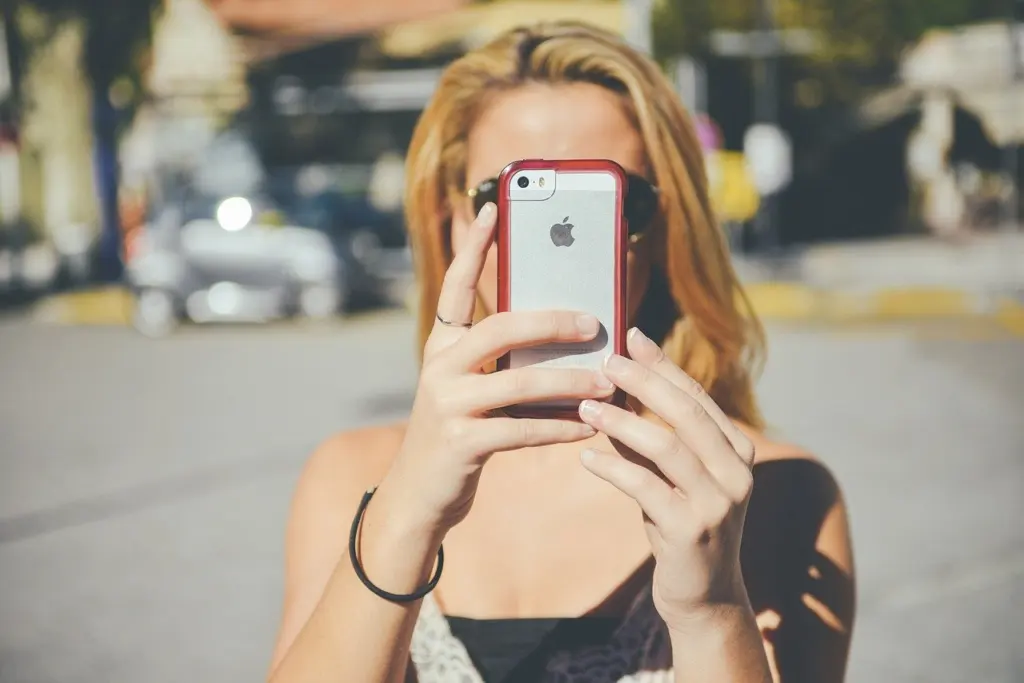
Android with large text and high contrast
Android phones offer the same large text and high-contrast options, and the buyer’s guide lists their strengths as affordability, customisation and compatibility with hearing aids and medical alert systems. That makes Android the stronger choice where budget is tight or where one person will spend time tailoring the layout for a relative.
The cost of that flexibility is variation. Because manufacturers add their own modes and menus, the steps to enlarge text can look different on a Samsung phone than on another brand. Ask whoever sets it up to confirm the settings on the actual handset instead of relying on a general walkthrough.
Screen size and handling
The buyer’s guide recommends screens of 6.5 inches or larger, with high brightness for outdoor visibility. A larger display shows more of each word at a given text size, which helps with reading.
Size has a handling cost. In its 2014 review of the 5.1-inch Galaxy S5, the Irish Consumer Association guide to phones called it a large phone that will not suit everybody. Today’s recommended screens are bigger still, so test the phone in the hand that the user normally holds it with. If reaching the top of the display is awkward, a slightly smaller screen with larger text may be the better compromise.
When even a well-configured phone is not enough, smart glasses for visually impaired users are a separate category that works alongside a phone.
If you wear hearing aids
Not every older user needs a hearing aid compatible phone, but anyone who wears hearing aids should treat the rating as a deciding feature. A phone that does not work well with the aids will be frustrating however good its text settings are.
Lively’s guide to choosing cell phones for seniors notes that some models carry ratings showing how well they work with hearing aids. The buyer’s guide names an M4/T4 rating as the one to check. A rating applies to a specific handset, so read the listing for the exact model rather than assuming it carries over from a similar phone. Android is described there as working with hearing aids, but that general statement is no substitute for the rating on the model you are buying.
Setting up a new phone
Setup decides whether a good phone becomes an easy one. The order below works on either platform and keeps each change from undoing the last.
- Set the text first. Turn on large text and high-contrast mode in settings, because every other screen then displays at the new size.
- Simplify the home screen second. On an iPhone, use the home screen changes in iOS 17 or 18. On Android, switch on the maker’s Easy Mode, Senior Mode or Simple Mode.
- Check hearing compatibility last. Read the rating on the model before it leaves the shop, so any problem can be fixed by exchanging it.
Frequently asked questions
| Question | Answer |
|---|---|
| What do phones marketed to older adults usually add? | AARP notes they often have bigger buttons, a louder ringer or a larger display. A mainstream phone with large text and a simplified mode can offer a similar benefit with more features. |
| Does an Android phone work with a medical alert system? | The buyer’s guide lists compatibility with medical alert systems as an Android strength. Check the specific service before you buy, and see our guide to the best medical alert systems for the options. |
| How bright should the screen be for outdoor use? | The buyer’s guide suggests high brightness, specifically 600+ nits, together with a screen of 6.5 inches or larger for outdoor visibility. |