| Situation | Device | What it does | Planning use |
|---|---|---|---|
| Reading mail and books | Handheld or desktop magnifier | Lights and magnifies print. Strengths vary widely, and some models offer a contrasting colour option. | Compare handheld and desktop types against the reading you actually do. |
| Telling the time | Talking watch or clock | Combines large numbers, contrast colours and talk functions. | Choose speech when the face is hard to read even at large sizes. |
| Cooking | Talking microwave and adaptive cooking items | Adaptive cooking items are a recognised category of assistive device. | Budget for these as household purchases. |
| Typing | High contrast keyboard | Listed among the computer access devices supplied to blind and low vision users. | Pair it with large-font and contrast settings on the screen. |
The table draws on the low vision tools guide from macular.org and the OIB-TAC assistive devices page.
The best assistive devices for low vision are the ones matched to the task that causes trouble: a magnifier for mail, a talking or high contrast clock for time, adapted kitchen aids, and a high contrast keyboard for typing.
This guide is organised by everyday situation rather than by technology. For the wider picture of how needs map to equipment, see our overview of types of assistive technology, and for the full range of products visit our assistive technology devices hub.
Reading mail, books and labels
Print is where most people with low vision start looking for help. Magnification and light are the two things that matter, and several device types combine them in different ways.
Handheld electronic magnifiers
There is no single best handheld electronic magnifier. Low vision magnifiers come in a huge range of strengths, according to the macular.org tools guide, and they are built to light and magnify objects such as books or projects. Features can include a contrasting colour option, and the same guide describes image capture on some models.
Those features are the real basis for choosing. A strong magnification setting is no use if the image is hard to hold steady, or if you only need to read a letter on the kitchen table. Pick the unit whose controls you can find by touch and whose screen you can read comfortably. Specialist suppliers listed by the American Council of the Blind stock electronic magnifiers alongside talking clocks and lamps, which makes a single comparison visit practical.
Desktop video magnifiers
A CCTV or video magnifier is a combination of a camera and a TV screen, and magnification varies by model. The American Printing House’s family guide lists video magnifiers among the low vision devices that use technology rather than simple lenses.
These suit people who read for long periods or handle books, bills and forms at a fixed desk. They are also the most expensive option here. The American Academy of Ophthalmology’s children’s technology listing puts video magnifiers at $2000+. That figure is in US dollars, so UK prices will differ and should be checked with a UK supplier.
Dome magnifiers
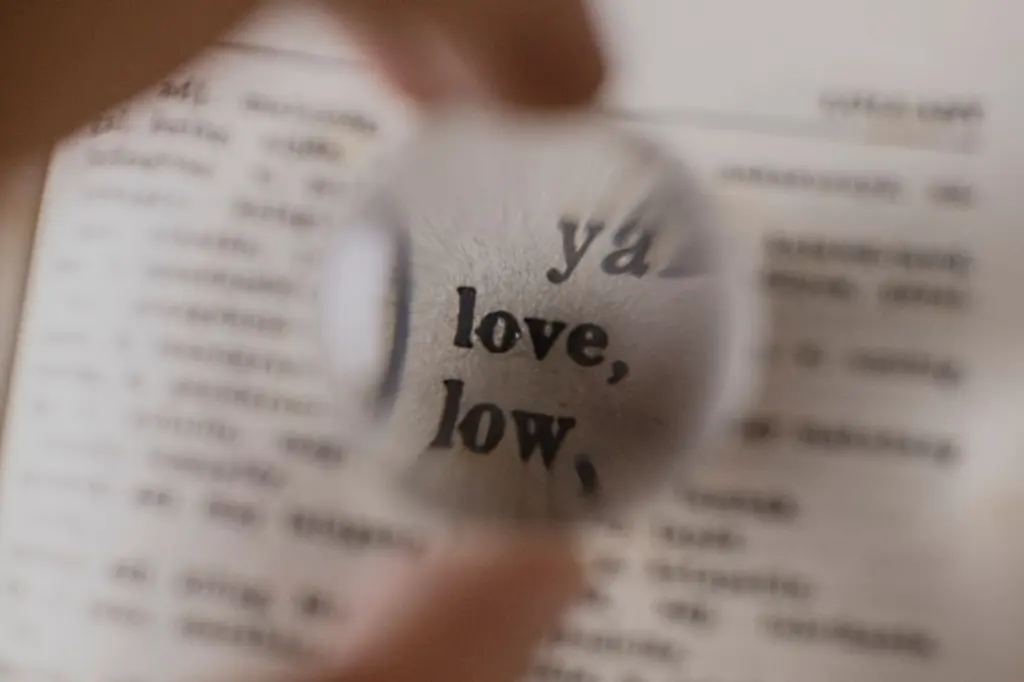
A dome magnifier simply sits on the page. The same AAO listing says dome magnifiers can help young children zoom in on books and objects up to 10X. They need no batteries or screen, which makes them a low-effort first tool, though a fixed dome will not suit everyone’s reading posture.
If the difficulty is with decoding words rather than seeing them, a different toolset applies, covered in our guide to assistive technology for dyslexia.
Telling the time
Clocks and watches are a small purchase that removes a daily frustration. The question is how much of the display you can still read.
Talking watches and clocks
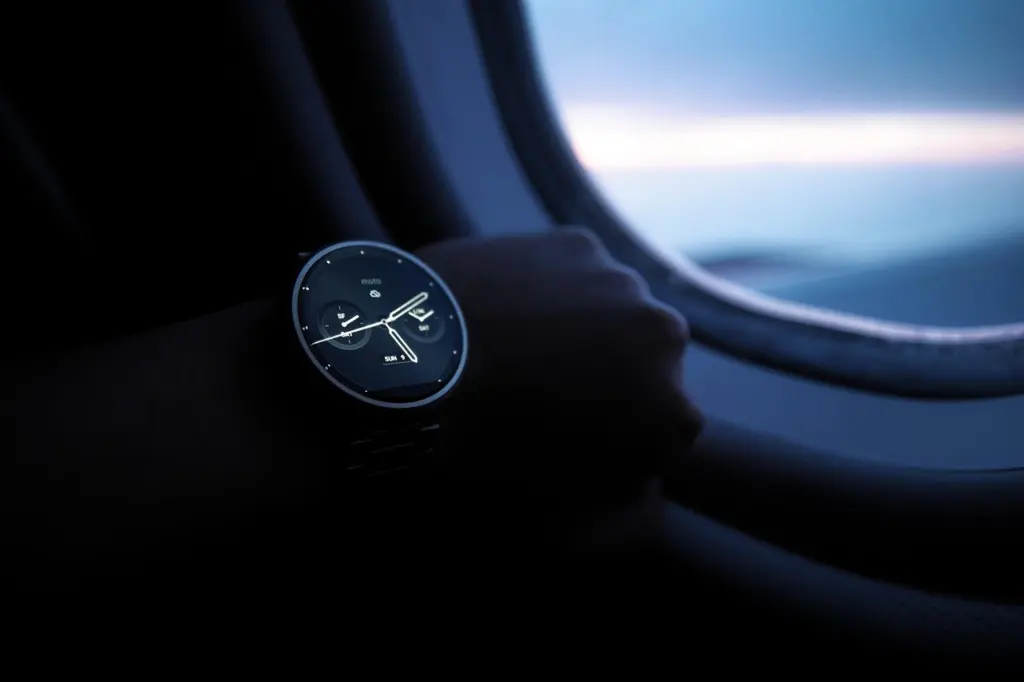
Talking watches suit both blind and partially sighted people, but for different reasons. The macular.org guide notes that large numbers, contrast colours and talk functions make clocks and phones easier to use. A partially sighted person may rely on the large, high contrast face and use speech as a backup. Someone who cannot read the face at all will rely on speech.
Before buying, decide which group you fall into. If a large-numbered face is still legible, a talking function is a bonus. If it is not, make speech the main criterion and check that the buttons can be found by touch. Specialist catalogues list watches, talking clocks and a talking atomic clock, so there is a spread of formats from wrist to bedside.
High contrast displays on phones and tablets
Your phone can double as a clock, and its settings cost nothing. The AAO notes that built-in tools such as large font and high contrast are available on Apple and Android devices. Turn these on before spending money on a dedicated device, then judge what is still missing.
Cooking and kitchen tasks
The kitchen exposes low vision quickly, because dials, timers and small displays are hard to read and mistakes can be unsafe.
Talking microwaves
A talking microwave addresses the display problem by announcing what it is doing. Adaptive cooking items are named as a category of assistive device on the OIB-TAC assistive devices page, so the idea has recognised standing even where a particular model is mainstream rather than specialist. When you shop, test whether you can find the controls by touch and whether the spoken feedback is clear enough for you to operate it without looking.
Other adaptive cooking items
Specialist retailers broaden the choice beyond the microwave. The ACB catalogue list includes talking cooking thermometers among its items, alongside large print calendars and locator dots. A thermometer that speaks the reading can be a cheaper and more targeted fix than replacing an appliance, especially if the microwave is the only thing you still manage well.
Typing and using screens
Typing is a separate problem from reading the screen, and the two have separate fixes.
Large print and high contrast keyboards
Large print keyboards do help, with a limit. The OIB-TAC page lists computer access devices such as high contrast keyboards among the equipment supplied to users, and bold, high contrast key labels make keys easier to find. A keyboard changes the keys, however, not the screen. If the text you are typing is still too small, add magnification or the display settings described above.
A large print keyboard suits people who touch-type poorly and rely on glancing at the keys. It matters less for someone who already types without looking and mainly struggles with the display. In that case, spend on screen settings first.
High contrast apps
Software can also supply contrast. The AAO highlights Math Robot, an iOS app at $4.99, which presents problems, drills and practice in a very high contrast format. It is aimed at students, but it shows how a contrast-first design can make a task readable on a standard tablet.
Lighting and trying before you buy
Lighting is often overlooked. The macular.org guide describes low vision magnifiers as tools to light and magnify, so illumination is part of the design rather than an extra. Specialist suppliers list lamps in the same catalogues as magnifiers and watches. A good lamp positioned over your reading material can be a sensible companion to any magnifier.
Trial matters as much as specification. The OIB-TAC page says consumers have the opportunity to try out devices before committing to purchase or receipt. Ask any supplier whether you can handle the unit first, and take along the kind of mail, label or form you struggle with.
Frequently asked questions
| Question | Answer |
|---|---|
| What counts as a low vision device? | The American Printing House describes optical devices, sometimes known as low vision devices, as tools that use lenses to help people better use their existing vision. It also stresses that there is no single miracle tool, so most people build a toolbox. |
| Who pays for household items like kitchen aids? | The OIB-TAC page says household items should be externally funded or the responsibility of consumers. Some non-specialised devices, such as crockpots, will be the consumer’s responsibility. Ask your eye clinic or local sight loss service about support available where you live. |
| Can a smartphone work as a magnifier? | Partly. The AAO lists clip-on telescopes at $20+ that attach to smartphone and tablet cameras and give up to 10X or higher magnification. These suit distance viewing as an add-on rather than a full replacement for a dedicated magnifier. |
| Is a handheld magnifier or a video magnifier better? | It depends on the task. Handheld models suit quick checks of labels and mail, while a video magnifier suits sustained reading at a desk, at a much higher price. Trying both before you buy is the safest way to decide. |