The best refreshable braille display depends on use: a larger display suits laptop work, a compact one suits phone and travel, and a note taker suits standalone use. Match the cell count and connections to your main device.
Anyone browsing the wider range of assistive technology devices will find braille hardware at the more specialised end. Readers who still use some sight may want the best screen magnifier for low vision alongside it.
| Model | Type | Cells | Connections and keyboard | Planning use |
|---|---|---|---|---|
| Basic Braille | Plain, portable display | 40 (also 64, 80 and 84) | Plain display; the 40-cell version is described as ideal with a laptop | Laptop work, with larger versions for more text at once |
| Active Braille | Display | 40 | Bluetooth for computers and mobile devices | A full-width display that also pairs wirelessly with a phone |
| Orbit Reader 20 | Display and simple note taker | 20 (8-dot) | Bluetooth, USB and an SD card slot, but no Wi-Fi | Low-cost-style portability with basic note taking |
| Braille to Go | Note taker | 20 (8-dot) | Wi-Fi, Bluetooth, USB host and micro-USB; works alone or with an iOS or Android phone | Standalone note taking that can also act as a phone companion |
| Braille Plus 18 | Note taker | 18 | Braille keyboard, Android platform | Braille-keyboard entry in a compact body |
| Braille Sense U2 | Note taker | 18 or 32 | QWERTY-style keyboard | Choosing a longer line without moving to full width |
| Pronto | Note taker | 18 or 40 | The 40-cell model has a QWERTY keyboard that swaps with the braille keyboard | Users who switch between typing styles |
These specifications come from the American Foundation for the Blind’s braille notetaker listings.
How a refreshable braille display works
A refreshable braille display forms braille on demand instead of fixing dots on paper. Each braille cell raises and lowers small pins to form braille characters, according to a specialist supplier’s explainer on braille display technology. When the user moves on, the pins drop and re-form into the next characters, so one row of cells can show a whole document in sections.
The display does not hold much on its own. It shows content from whatever it is connected to, and modern refreshable displays connect to computers, tablets and smartphones. That is why the connection type matters as much as the cell count.
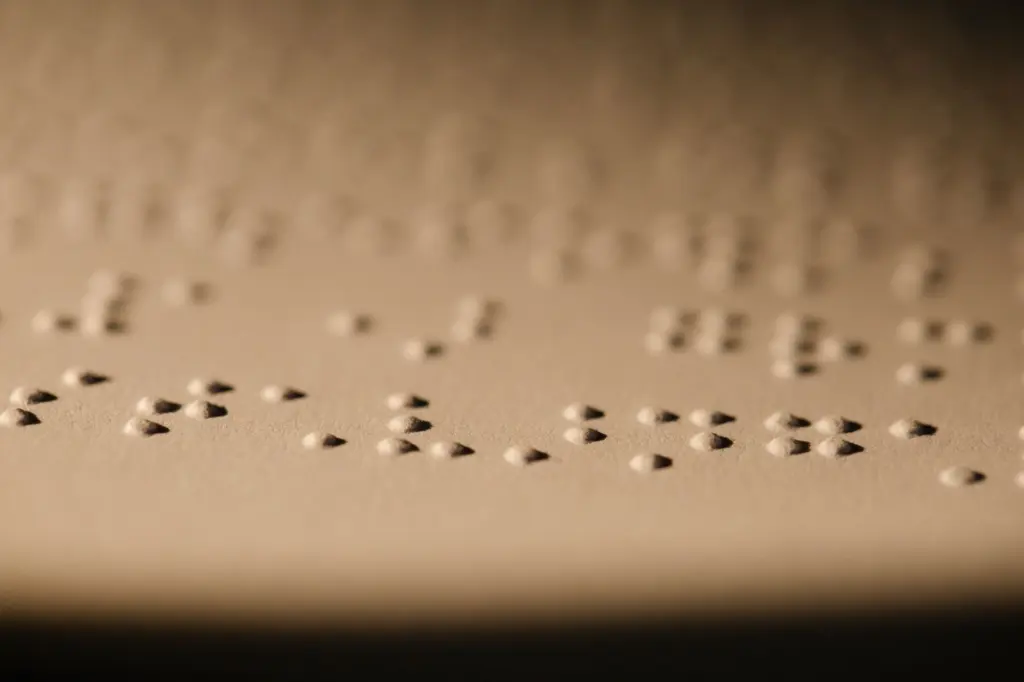
Braille cells and paper braille
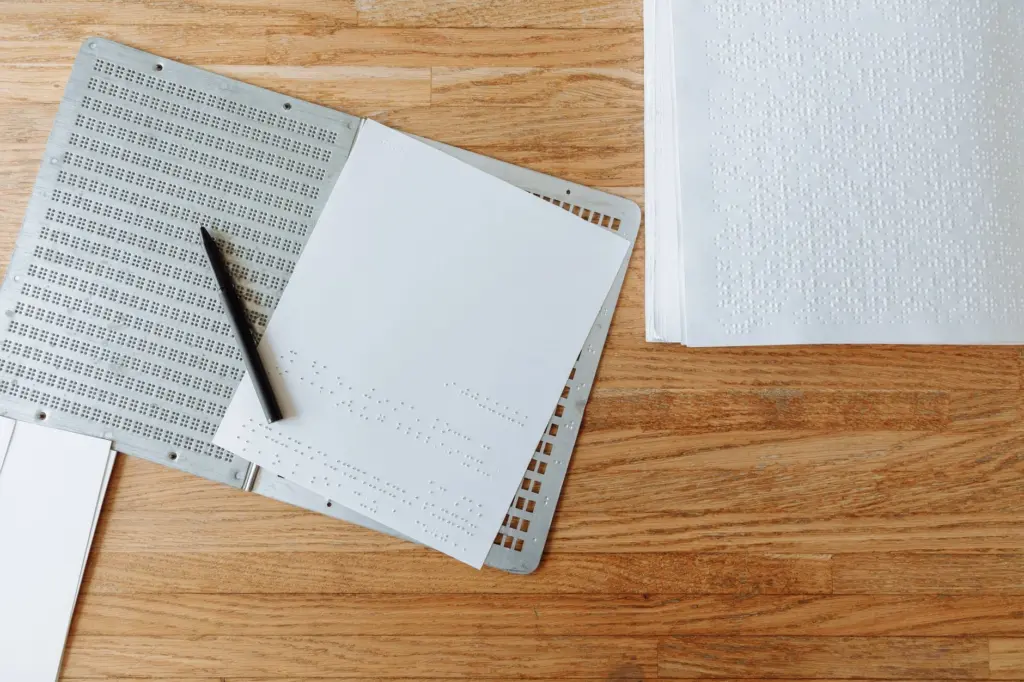
The braille cell is the unit that both paper braille and electronic displays share. On paper the dots are fixed once written, while on a display the cell is rewritten each time the text changes. Anyone who learned braille on paper will find the same character patterns on a display.
Single-line and multi-line displays
Most portable products covered here show one row of cells. Multi-line displays are a separate category, and a specialist supplier says they typically show 20, 40 or 80 lines of braille simultaneously. They suit people who want to read tables or page layout, but they are a different purchase from the compact single-line models in the table above.

Braille display or note taker
A braille display shows content from another device, while a braille note taker is a computer in its own right. The AFB describes electronic notetakers as small, portable devices for storing information with the use of braille or typewriter keyboards. Stored information can be accessed through a built-in speech synthesizer, a braille display, or both.
The latest electronic notetakers provide advanced word processing, web browsing and other functions. A plain display adds none of that: it relies on a phone or computer to do the work.
Where the two overlap
Some products blur the line. The Orbit Reader 20 is listed as a 20-cell, 8-dot display and simple notetaker, so it can be used both ways. The Braille Plus 18 combines a braille keyboard with a refreshable display on an Android platform. The BrailleNote Touch is 10 inches wide, with braille cells in front and a 7-inch touchscreen behind them. A device like this suits someone who wants a computer and a display in one body.
Braille keyboards and typing
A braille keyboard lets a braille reader enter text directly, and several note takers include one. The Pronto 40-cell model takes a different approach: its QWERTY keyboard can be swapped in and out with the braille keyboard. The Braille Sense U2 is described as having a QWERTY-style keyboard. Someone who knows braille will probably be more comfortable with braille output, according to the AFB, so a braille keyboard is the natural pairing for that user.
Portable displays for an iPhone
For an iPhone, look for a compact display with Bluetooth, since the phone has no practical use for a cable-first design. The AFB lists the Active Braille as offering wireless Bluetooth connectivity for use with computers and mobile devices. It also says the Braille to Go can be used alone or connected to an iOS or Android phone, which makes it the most explicit iPhone-compatible entry among the products listed.
The Orbit Reader 20 includes Bluetooth support, an SD card slot and a USB port, but no Wi-Fi. Bluetooth is the connection a phone needs, but the listing does not name the phone platforms, so confirm iPhone support and the screen reader it works with before buying.
A phone-only user rarely needs Wi-Fi on the braille device itself, since the phone handles the network. That makes the Orbit Reader 20’s missing Wi-Fi a small drawback for phone pairing, whereas it matters more for someone expecting a note taker to work independently.
How many cells you need
The right cell count is a balance between how much text appears at once and how easily the device travels. The listings span from 18 cells up to 84 braille elements on the largest Basic Braille version, so the range is wide.
- 18 to 20 cells for carrying. The Braille Plus 18, Pronto 18-cell version and the 20-cell Braille to Go and Orbit Reader 20 all sit here. The trade-off is less text in view at once.
- 32 cells as a middle step. The Braille Sense U2 comes in 18-cell and 32-cell versions, and the NeoBraille has 32 cells. It suits readers who find the shortest lines limiting but do not want full width.
- 40 cells for laptop work. The AFB describes the 40-element version of Basic Braille as ideal for use with a laptop computer. The Active Braille is a 40-character display, and the Pronto is offered with 40 cells.
- 64, 80 or 84 for the longest lines. Basic Braille is also available with 64, 80 and 84 braille elements, a choice for people who want the most text visible at once and accept the extra size.
Weight, size and battery
Weight and battery life decide whether a device is really portable. The Braille to Go is a 20-cell, 8-dot lightweight notetaker at 20.3 ounces, and the National Braille Press estimates its battery should last one to two days under normal use. The Orbit Reader 20 weighs less than 1 pound, and its specifications list battery life as one day of use. The NeoBraille, with 32 cells, weighs 1.5 pounds and measures 9.25 x 5.9 x 0.75 inches. Both smaller devices are easy to carry, while the heavier 32-cell model trades some portability for a longer line. These figures come from the AFB product listings.
Cost
A note taker costs far more once it includes a braille display. The AFB says a basic electronic notetaker without a braille display costs between $2,000 and $3,000, and that one with a braille display is typically double the price. Those are US dollar figures, so UK buyers should ask a supplier for a current sterling quote rather than convert the numbers.
The practical point is that the display is the expensive part. If a phone or laptop already does the computing, a plain display may be the cheaper way to add braille, while a note taker earns its price only when standalone use is the goal.
Who should choose which
- Laptop or desktop users. A 40-cell display such as Basic Braille or Active Braille fits best. A full line keeps reading comfortable, and the computer does the heavy lifting.
- Phone-first users. Choose a compact Bluetooth display. The Active Braille and Braille to Go are the listed options with explicit mobile-device or iOS and Android support, and the Orbit Reader 20 adds Bluetooth at a smaller size.
- People who need a standalone device. A note taker with its own keyboard and speech or braille output makes sense. The Braille to Go, Braille Plus 18 and BrailleNote Touch all work without a computer.
- Braille readers who type. Prefer a braille keyboard, as on the Braille Plus 18, or the Pronto, which swaps between braille and QWERTY layouts.
- Mixed-technology households. Anyone also weighing hearing technology can read how to choose a hearing aid.
Frequently asked questions
Do braille displays work with tablets as well as phones?
Yes. Modern refreshable displays connect to computers, tablets and smartphones, so a Bluetooth-capable display is not limited to a laptop.
Can a note taker read text aloud?
Yes. The AFB notes that stored information can be reached through a built-in speech synthesizer, a braille display, or both.
Does a braille display need Wi-Fi?
Not for phone or computer pairing, where Bluetooth or USB does the job. Wi-Fi appears on standalone note takers such as the Braille to Go, while the Orbit Reader 20 has Bluetooth and USB but no Wi-Fi.
Is braille output right for someone who does not know braille?
Usually not. The AFB says someone who knows braille will probably be more comfortable with braille output, so speech-based tools suit people who do not read it.