
Replacing a phone, fixing patchy Wi-Fi or buying a first power bank all start the same way in this consumer electronics buying guide: match the device to one task, then check the single specification that governs it.
Quick answer: decide what job the device must do, check the one or two specifications that matter for that job, and treat the first days after purchase as a trial. Each route below stands alone, so start with the problem you have today.
Choose your route
Everyday electronics fall into a few groups, and each group has its own deciding factor. Work through the route that matches your situation.
- Replacing a main device. Start with the phone, tablet and laptop section if you are choosing between screens you carry, hold or type on.
- Staying powered. Go to the power bank section if your battery runs out before you reach a socket.
- Fixing the home network. Read the Wi-Fi and smart speaker section if rooms are slow or the signal drops.
- Sound and wearables. Use the earbuds, headphones and smartwatch section when you want audio on the move or a device on your wrist.
- Cameras, screens and desk gear. Use that section for photography, reading, streaming, printing and home-office extras.
- Buying safely. Finish with the section on returns, rights and durability, which applies to every purchase.
Every device category rewards the same habit. Write down the task first, then let the specification sheet confirm or rule out each candidate, rather than letting a headline number steer you.
Phones, tablets and laptops
Phones, tablets and laptops overlap more than their labels suggest, so the useful question is which screen you will reach for most often. The choice usually comes down to how you carry the device and what you do on it.
Smartphone or tablet
A smartphone is the device that stays with you all day, so it should be the first purchase and the one you spend most on. A tablet earns its place when you want a larger screen for reading, video or browsing at home and you already have a phone you are happy with. If you do not own a phone you like, buy the phone first and see how often you wish the screen were bigger.
Independent test results help here because they compare many models on the same basis. Consumer Reports lists tested reviews for both the Best Smartphones of 2026 and the 10 Best Tablets of 2026, and the two lists let you compare what each type does well. Our own best tablets guide goes further into the tablet side.

Reading a phone specification
Three specification areas decide how a phone feels in daily use. One published smartphone buying guide makes these points, and they hold up as practical checks.
- Sustained performance. Look for sustained performance and thermal design rather than peak benchmark scores, because real-world stability matters more than a single high number.
- Display brightness and refresh rate. Check peak brightness in nits for outdoor visibility, and check how variable refresh rate is implemented. High-end models can vary from 1Hz to 120Hz, which saves power when the screen is static and keeps scrolling smooth.
- Camera sensor size. A 50-megapixel sensor with a larger physical size and wider aperture will generally outperform a 108-megapixel sensor with a smaller one in low light, so do not treat megapixels as a quality score.
The display advice applies equally to a tablet, because brightness and refresh behaviour shape how a larger screen looks in a bright room or by a window. If you mostly use the device indoors, brightness matters less and sustained performance matters more.
Laptops and Chromebooks
Laptops are the largest category in the Consumer Reports listing, with 245 rated items in its Laptops & Chromebooks section, so narrowing by purpose is essential. If your work lives in a browser and cloud documents, read our chromebook vs laptop comparison before spending more than you need to. Students have different priorities again, such as weight and battery life through a day of lectures, which our best laptops for students guide takes up.
Gaming is a separate decision because sustained cooling and graphics matter more than slimness. The reasoning about sustained performance over peak scores carries over, and our best gaming laptop guide applies it to that group. Buy a general-purpose laptop only if you will not play demanding games, because the extra cooling that gaming needs is wasted on everyday tasks.
Power banks and charging
A power bank is a battery you carry, and the right one depends on how far you are from a socket and how quickly you need a charge. The decision is a trade-off between capacity and charging speed.
Capacity or wattage
Put capacity first if you are away from chargers for long periods, and put charging wattage first if you top up in short bursts. That is the trade-off set out in the shopping guide cited above. A large-capacity pack suits a long day out, a trip or a commute without a socket. A higher-wattage pack suits someone who plugs in for a quick boost between meetings and wants a meaningful gain in a short time.
Do not buy the biggest pack by default. Larger capacity usually means more weight in a bag, and portability is part of how testers judge these products. Consumer Reports describes portable chargers as devices that receive high scores for charging speed and portability, and its portable chargers category lists rated products to compare.
Sizing your power bank
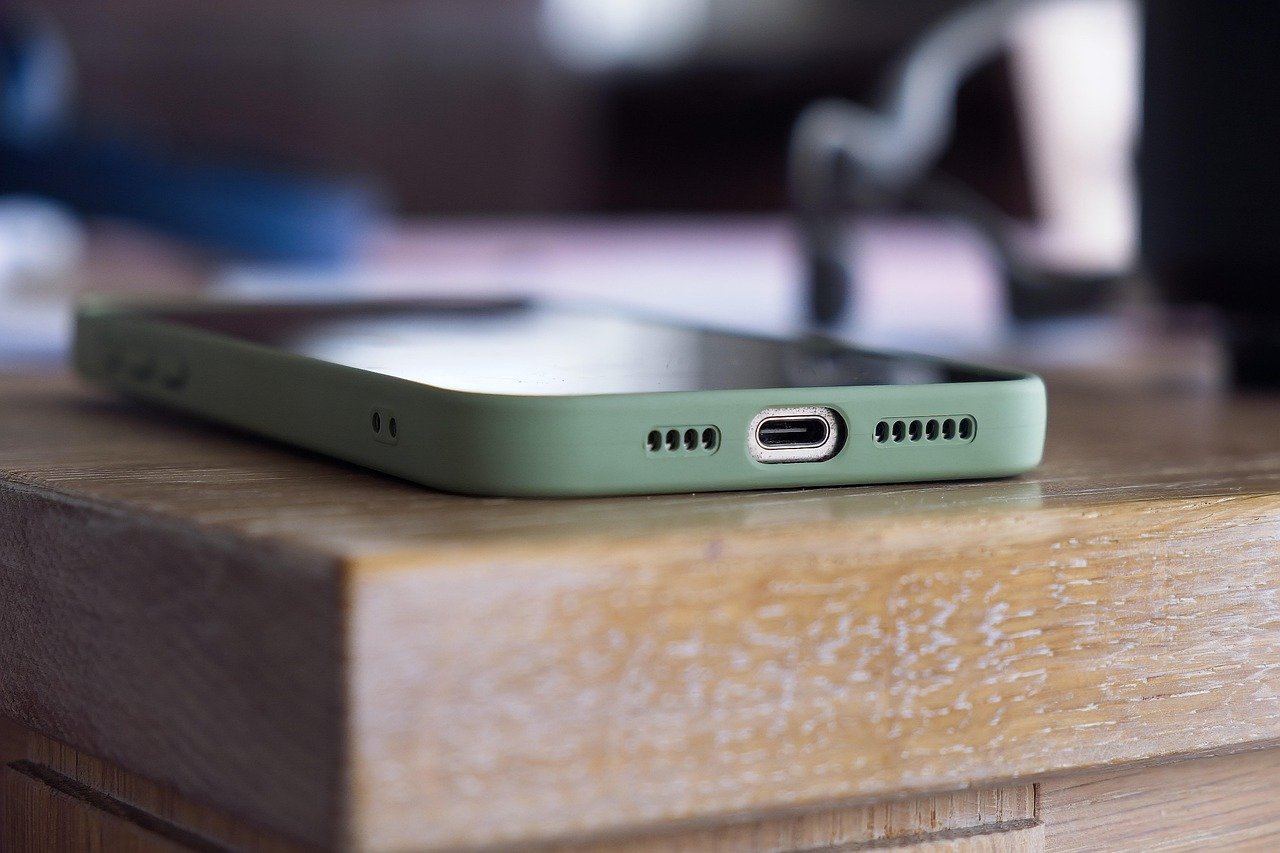
To answer how big a power bank you need, compare two figures: the battery capacity in your phone’s specification sheet and the capacity printed on the power bank. Decide how many full recharges you want between mains top-ups, then choose a pack that comfortably covers that plan. A single top-up suits a normal day. Several recharges suit travel or camping. Check that the pack’s output port and cable match your phone, as the USB-C connection above shows. Electronics Notes also publishes a featured article, Buying a Power Bank – what you need to know, for readers who want a deeper technical walk-through. Our best power banks guide covers specific models.
Spec checks at a glance
This table compares the first check for several everyday devices and what each check should tell you before you buy.
| Device | Check first | Planning use |
|---|---|---|
| Smartphone | Sustained performance and thermal design, brightness in nits, variable refresh rate, sensor size | Ignore a single peak benchmark score and weigh how the phone behaves under longer use and in daylight. |
| Tablet | Display brightness and refresh behaviour | Treat the screen as the product, because a tablet is mostly a display you hold. |
| Power bank | Capacity against charging wattage | Choose capacity for long periods without a socket and wattage for frequent short top-ups. |
| Wi-Fi coverage products | Whether you need a router, repeater, booster or extender | Identify whether the router or its reach is the weak point before buying anything. |
The phone, tablet and power bank rows draw on the published smartphone buying guide, and the Wi-Fi row reflects the product groupings in the Electronics Notes buying guides.
Home Wi-Fi and smart speakers
Home networking and voice assistants share one dependency: a reliable connection through the house. Fix that first and both categories work better.
Improving Wi-Fi coverage
Start by finding out where the signal is weak. If one room is poor while the rest of the house is fine, the problem is reach. If the whole network is slow, the router itself is the likely cause. That distinction decides what to buy, because the product families differ: Electronics Notes publishes separate buying guides for Wi-Fi routers and for Wi-Fi repeaters, boosters and extenders.
Work through the cheapest fixes before spending money.
- Move the router. Place it in an open position rather than behind furniture or in a cupboard, since an enclosed router struggles to cover the home.
- Clean the vents. Dust is one of the major causes of problems with consumer electronics, according to consumer advice from Indiana Connection, so keep the router’s vents clear.
- Add reach only if needed. A repeater, booster or extender helps a distant room, but it does not repair a router that is old or badly placed.
- Replace the router last. Buy a new one when the whole network is slow and a better position has not helped.
Smart speakers and other speakers
A smart speaker answers to a voice assistant and uses your home network, so it suits people who want hands-free music, timers and questions. Choose the assistant you already use on your phone, since the speaker will work best with the accounts and services you have. A Bluetooth speaker is simpler and goes outdoors, which suits anyone who just wants to play audio from a phone. Our best bluetooth speakers guide covers that side.
For television sound, a soundbar is usually a better answer than a small speaker, and our best soundbars guide explains the options. If your television is the weak point rather than its sound, a best streaming device can add apps without replacing the screen.
Earbuds, headphones and wearables
Personal audio and wearables are bought for comfort and battery life as much as specification, and both are easier to judge once you know where you will use them.
Wireless earbuds
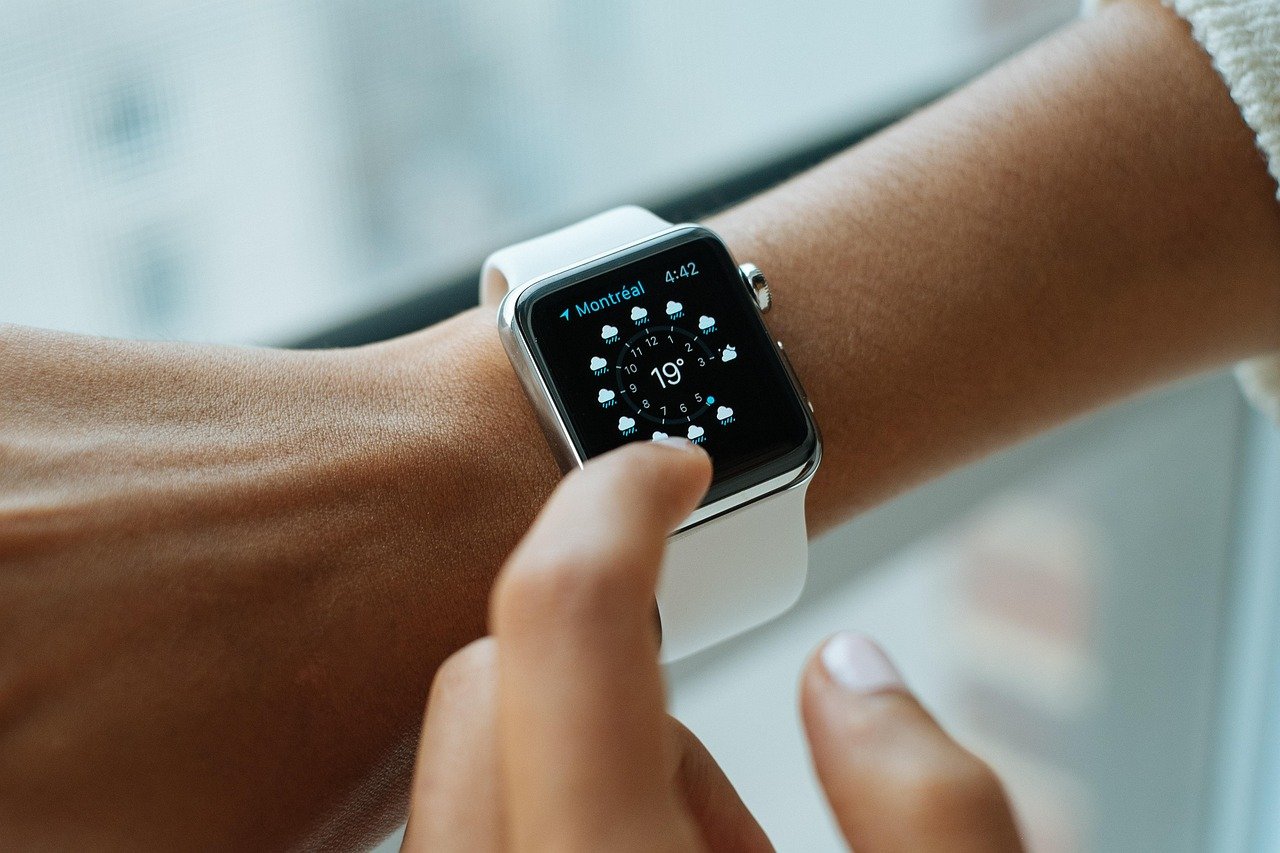
Earbuds suit commuting, exercise and calls because they are small and cable-free. The charging case matters as much as the buds, since the case is what keeps them charged between uses. Choose a design that sits securely in your ears, because a poor fit undermines both sound and comfort. Our best wireless earbuds guide compares current models.
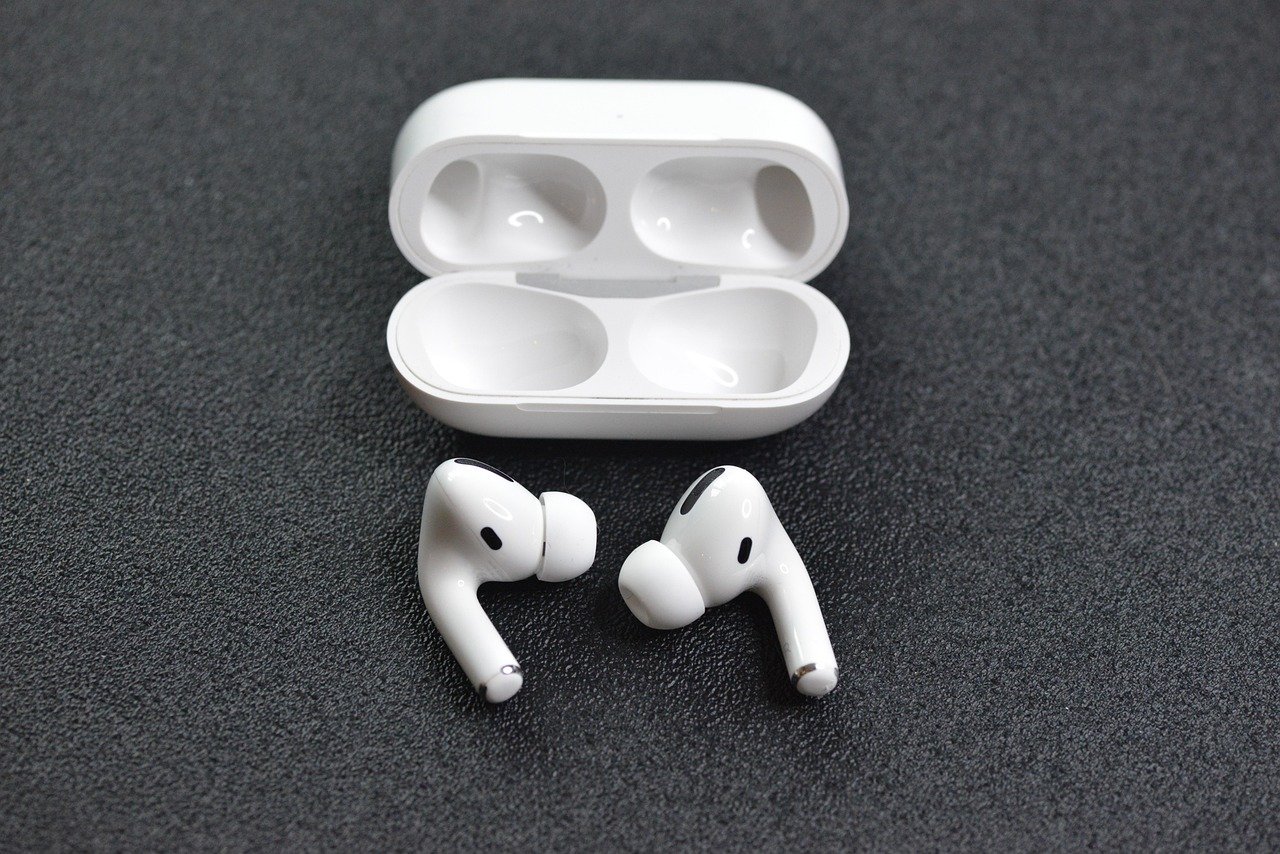
Look at how the case closes and how it charges before you commit. A case that is awkward to open or hard to pocket becomes irritating faster than a small difference in sound quality.
Over-ear and noise cancelling headphones
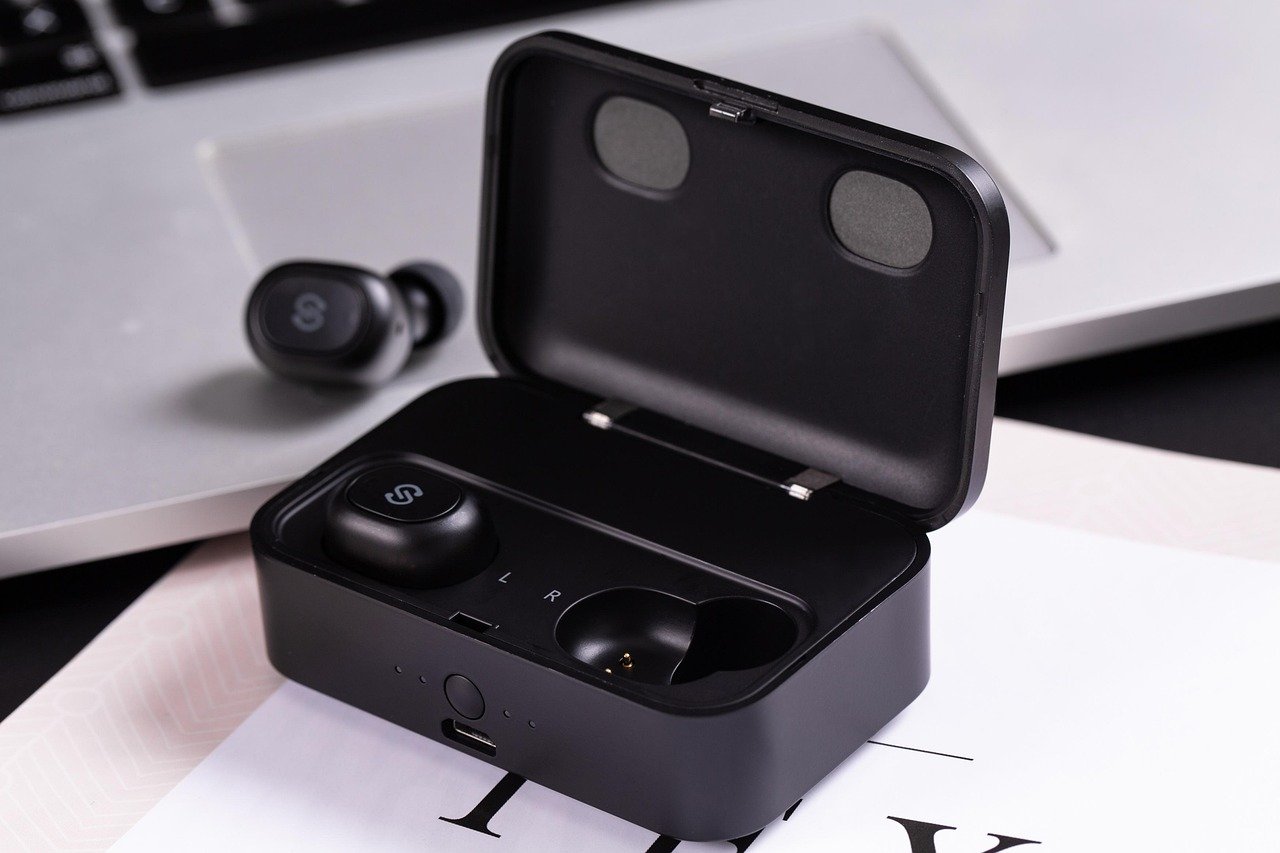
Headphones suit long listening at home, on trains and on flights, where the larger ear cups and extra comfort matter more than pocket size. Noise cancelling is the feature that separates the field, and it is worth paying for if you travel or work in a noisy place. Our best noise cancelling headphones guide lists the strongest options. Consumer Reports keeps a dedicated Headphones category if you want an independent cross-check. Gamers have different needs, such as a microphone and comfort over long sessions, and our best gaming headset guide addresses them.
Smartwatches and fitness trackers
A smartwatch is worth buying if you want notifications, timers and activity tracking on your wrist without taking out your phone. Check that it works with your phone before you buy, because a watch tied to the wrong phone loses most of its value. A simpler fitness tracker is enough if you want activity tracking and little else. Consumer Reports lists Smartwatches & Fitness Trackers as a combined category, which reflects how closely the two product types overlap. Our best smartwatches guide compares them in detail.
Cameras, readers and desk gear
These categories are narrower, and each one rewards a short list of questions rather than a long specification sheet.
Cameras
A dedicated camera makes sense when your phone’s photos no longer satisfy you, or when you want to learn photography. The logic about sensor size from the phone section carries over: ask about the physical size of the sensor before you accept a megapixel figure as proof of quality. Beginners can start with our best digital cameras for beginners guide. If you film while moving, a rugged camera is a different tool, and our best action cameras guide covers it.
Reading and screens
For a lot of reading, an e-reader is easier on the eyes than a tablet and less distracting, so our best e-readers guide is the place to start. For films on a large picture, a best home projector suits a room you can darken, while a television suits a bright living room. Console buyers should first decide which games they want to play, then read our best gaming console guide.
Desk and storage
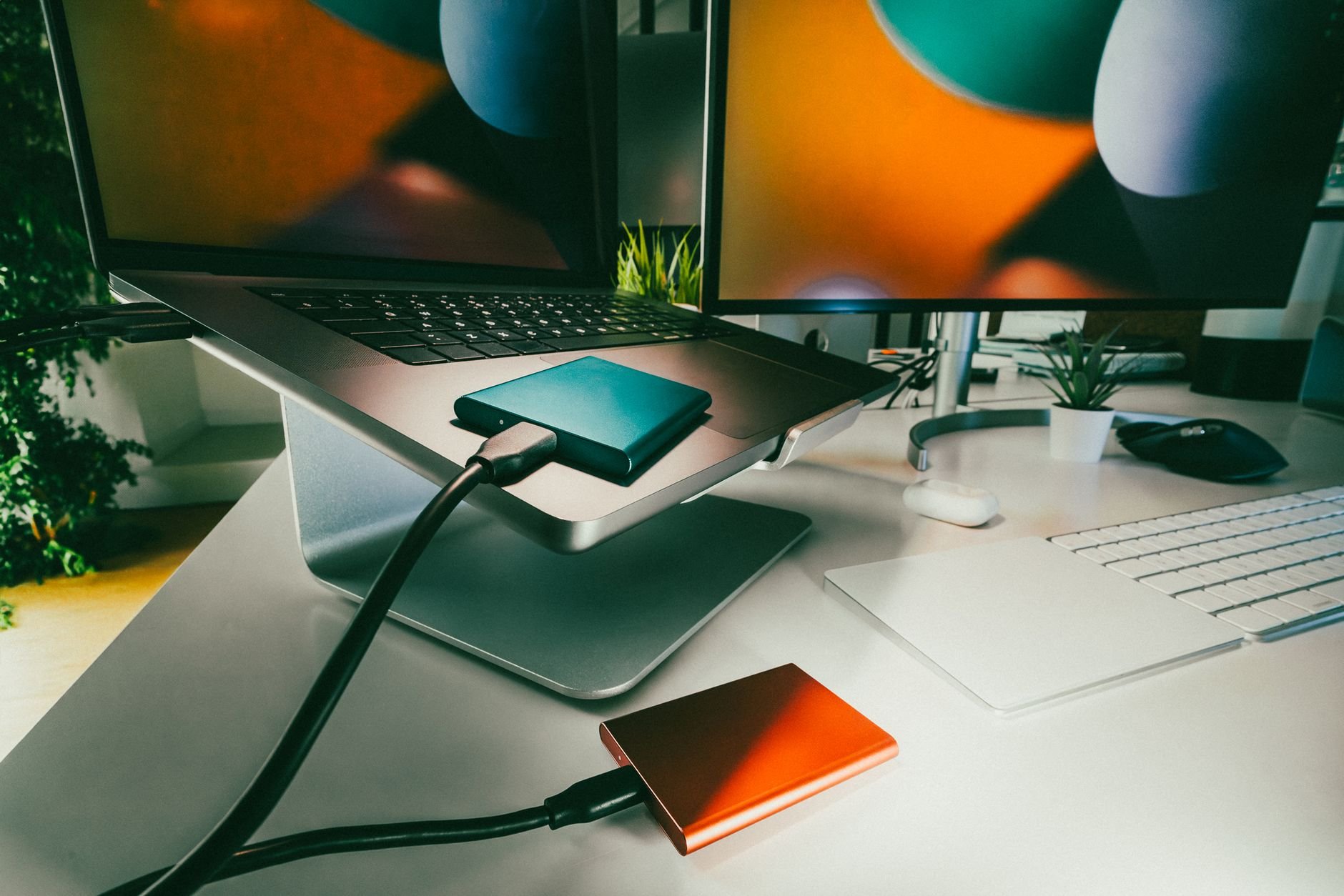
Working from home puts small items under heavy use, and a good best keyboard and best computer mouse are usually better value than a faster laptop. A best webcams pick improves video calls more than a better laptop camera would. Backups belong here too, and a best external hard drive keeps photos and documents safe if the main device fails.
Printers are a purchase many households now make rarely, so choose on running needs rather than looks. Consumer Reports publishes its 5 Best Printers of 2026, Tested and Reviewed, and our best home printer guide applies the same thinking to home use.
Household extras
Small personal-care electronics follow the same approach: decide what you need the device to do, then compare models on that basis. Our best electric toothbrush guide shows how the method applies to a product that has nothing to do with screens.
Buying safely and making electronics last
Most disappointment with electronics comes from the buying process rather than the product, so a few habits protect every purchase.
Returns and your rights
Buy from a seller with a clear returns policy and keep the receipt and packaging until you are sure the product works. In the UK, your statutory consumer rights sit alongside a retailer’s own policy, so check the official government guidance on what you can claim if a product is faulty or not as described. Use the retailer’s return route promptly rather than waiting, because a clear record of when you noticed a fault strengthens any claim.
How long electronics last
No single lifespan applies across phones, routers, speakers and wearables, because use, care and build quality differ so much. What the evidence does show is when problems tend to appear: a lot of problems with consumer electronics happen within the first 48 hours of use, according to the consumer advice from Indiana Connection. Switch each new device on, connect it, charge it and test every feature straight away rather than leaving it in the box.
After that, protect it from dust, which the same source names as one of the major causes of problems. Keep vents clear on routers, laptops and consoles, and store accessories such as power banks and earbuds in a clean place. Care over the long run is how a purchase lasts, and testing early is how you catch a defective one while a return is still simple.
Frequently asked questions
| Question | Answer |
|---|---|
| When is the best time to buy electronics on sale? | The back-to-school season in late July and early August and Black Friday in November are generally the best times, according to Indiana Connection. Wait for them if the purchase is not urgent. |
| How independent are Consumer Reports ratings? | Consumer Reports says its engineers test and rate thousands of products based on data, and that it accepts no advertising, sponsorships or free samples for testing. |
| Is a smart speaker the same as a Bluetooth speaker? | No. Electronics Notes lists them as separate buying-guide categories. A smart speaker is built around a voice assistant, while a Bluetooth speaker plays audio from a paired device. |
| How can I check an unfamiliar online retailer? | The US Federal Trade Commission advises confirming the company’s physical address and phone number, as CBS News reports. Do this before you enter payment details. |